The Silent Killer Behind Most IPTV Churn Isn’t Buffering — It’s Access Friction
Here’s something most reseller forums won’t tell you. The number one reason subscribers cancel within the first 72 hours has nothing to do with channel quality. It’s friction. They bought a subscription, received credentials, and then sat there staring at a screen wondering what to download, where to paste a URL, and which app even works on their smart TV. That’s why the IPTV web player has quietly become the most important piece of your reseller toolkit — and most operators still treat it as an afterthought.
An IPTV web player eliminates the single biggest barrier between a paying customer and the content they purchased. No APK downloads. No sideloading nightmares on a Fire Stick. No codec compatibility drama. Just a browser, a link, and a stream that works. If you’re running a UK IPTV reseller panel in 2026 and you haven’t built your workflow around a functional IPTV web player, you’re haemorrhaging subscribers to operators who have.
This isn’t theory. This is what separates panels doing 50 credits a month from panels doing 500.
What Actually Makes an IPTV Web Player Different From App-Based Streaming
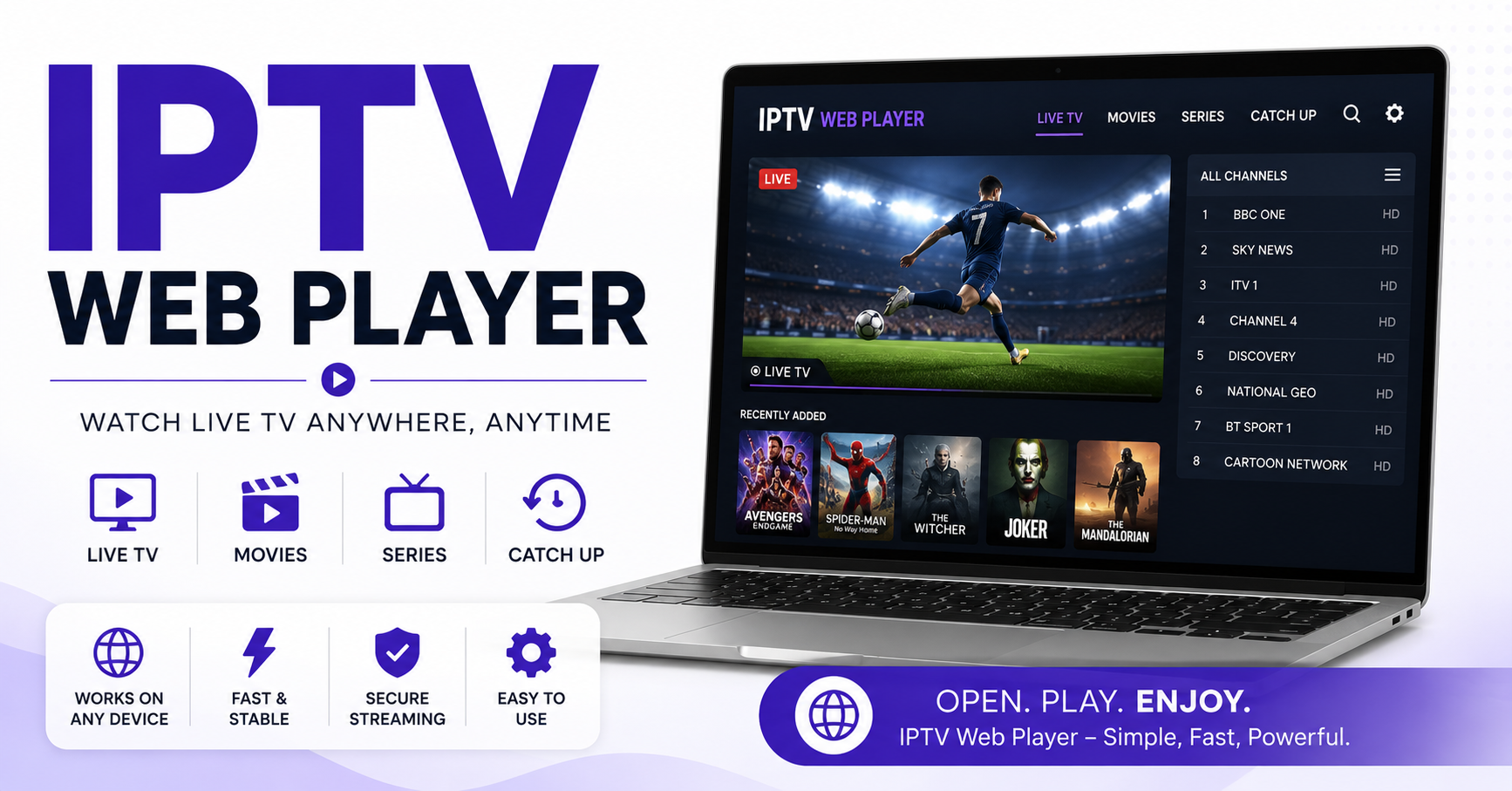
A lot of newcomers confuse a web player with a simple M3U playlist viewer. They’re not the same animal. A proper IPTV web player is a browser-based interface that connects directly to your panel’s API — usually Xtream Codes or a compatible fork — and renders live TV, VOD, and series content without requiring any third-party application.
The difference matters operationally. When a subscriber uses an app like TiviMate or XCIPTV, you’re at the mercy of that app’s update cycle, its compatibility with different Android versions, and its developer’s willingness to keep supporting your API format. With a web player, you control the experience end to end.
Pro Tip: A web-based player that authenticates through your panel’s API gives you direct session control. You can kill streams, enforce connection limits, and monitor active viewers — none of which is reliably possible when subscribers use random third-party apps.
Think about what that means for abuse prevention alone. Connection sharing is the silent profit killer for resellers. When someone buys one subscription and shares it across four households, you lose three sales. A well-configured IPTV web player lets you enforce single-session locks at the browser level while logging device fingerprints.
The Browser Compatibility Trap That Catches New Resellers
Not every IPTV web player handles cross-browser rendering the same way. This is where operators get burned after spending weeks setting up a player only to discover half their subscriber base can’t load streams on Safari, or that Edge mangles the EPG layout.
The root cause is almost always HLS latency handling. Most web players rely on HLS.js for stream playback, and different browsers interpret HLS manifests differently. Chrome tends to be forgiving. Safari has native HLS support but handles adaptive bitrate switching in its own opinionated way. Firefox occasionally chokes on encrypted streams if your panel outputs non-standard segment encryption.
Quick Compatibility Breakdown:
- Chrome and Chromium-based browsers: most reliable for HLS.js playback, widest codec support
- Safari: native HLS but inconsistent with panel-generated manifests, sometimes ignores adaptive bitrate flags
- Firefox: solid overall but struggles with certain DRM wrappers and encrypted TS segments
- Smart TV browsers: extremely limited JavaScript engines, often can’t run modern web players at all
The practical takeaway: if you’re offering an IPTV web player as your primary delivery method, you need to test it on at least three browser engines before you publish the link. Most subscriber complaints about “the player not working” trace back to untested browser environments, not server issues.
Why Your IPTV Web Player Buffers When Your App Streams Don’t
This question comes up constantly in reseller groups, and the answers are usually wrong. People blame the server, the ISP, or the subscriber’s Wi-Fi. Sometimes those are factors. But the real culprit with web player buffering is almost always the player’s buffer configuration and how it negotiates adaptive bitrate streams.
An IPTV web player running in a browser doesn’t have the same low-level network access that a native Android or iOS app has. Apps can open persistent TCP connections, manage their own packet buffering, and bypass some of the browser’s network throttling behaviours. A web player is sandboxed inside the browser, which means it relies on the browser’s networking stack — and browsers are designed for web pages, not continuous high-bitrate video streams.
Pro Tip: Set your web player’s forward buffer to a minimum of 30 seconds and the back buffer to 0. Most default configurations use a 10-second forward buffer, which isn’t enough to absorb the micro-interruptions that are normal on consumer-grade broadband. Increasing the buffer adds a slight initial load delay but dramatically reduces mid-stream stalls.
The other factor nobody talks about: DNS poisoning. In 2026, ISP-level DNS interference has become more sophisticated. Some ISPs don’t outright block IPTV domains — they inject latency into DNS resolution for known streaming endpoints. Your IPTV web player loads in the browser, which uses the system’s default DNS. If that DNS is compromised or throttled, every segment request takes longer to resolve. Hardcoding a DNS-over-HTTPS resolver into your player’s fetch logic can bypass this entirely.
Load Balancing and the IPTV Web Player — What Resellers Get Wrong
Most resellers understand load balancing as a server concept. Spread users across multiple backend servers so no single machine gets overwhelmed. That’s correct at the infrastructure layer. But when it comes to an IPTV web player specifically, there’s a second layer of load balancing that most operators completely ignore: CDN-level segment distribution.
Here’s what happens. Your subscriber opens the IPTV web player. The player requests the stream manifest from your panel. The manifest points to a media server. That media server starts delivering TS segments. If 200 subscribers are hitting the same media server through the web player simultaneously, you get congestion — not because the server can’t handle 200 connections, but because 200 browser-based players are each making individual HTTP requests for every 4-second segment. That’s 50 requests per second from the player pool alone.
| Factor | Cheap Setup | Professional Setup |
|---|---|---|
| Segment delivery | Single origin server | CDN-distributed edge nodes |
| DNS resolution | ISP default | DNS-over-HTTPS with failover |
| Buffer configuration | Default 10s | Custom 30s+ forward buffer |
| Connection enforcement | None | Session-locked with fingerprinting |
| Failover on server drop | Manual restart | Automatic uplink switch within 8 seconds |
| Browser testing | Chrome only | Chrome, Safari, Firefox, Edge validated |
The operators who scale past 300 active connections on a web player are the ones who put their segment delivery behind a pull-zone CDN. The player requests segments from the CDN edge closest to the subscriber. The CDN pulls from origin only on cache miss. This alone can cut your origin server load by 60 to 70 percent.
Embedding an IPTV Web Player Into Your Reseller Brand
One of the most underused advantages of a web-based player is branding. When subscribers use a third-party app, your brand is invisible. They associate the viewing experience with TiviMate or Smarters, not with your panel. When they open your IPTV web player, they see your logo, your colour scheme, your domain — and that builds the kind of brand stickiness that reduces churn.
This isn’t vanity. Subscriber psychology research across SaaS businesses consistently shows that branded interfaces increase perceived value. A subscriber who watches through “yourpanel.tv/player” feels like they’re using a premium service. A subscriber who pastes an M3U link into a free app feels like they’re using a workaround.
Pro Tip: Add a simple “Welcome back, [username]” message to your IPTV web player login screen. This single personalisation touch — which takes about 10 minutes to implement through your panel API — measurably reduces early cancellation rates. People don’t cancel services that feel like they recognise them.
Practically, embedding means either deploying a standalone web player on a subdomain (player.yourdomain.com) or integrating it directly into your WordPress storefront. Both approaches work. The subdomain route is cleaner from a performance standpoint because your player doesn’t inherit the CSS and JavaScript bloat of your main site. The WordPress embed approach is easier for operators who aren’t comfortable managing separate hosting environments.
Mobile Responsiveness — The IPTV Web Player Challenge Nobody Warns You About
Roughly 40 percent of IPTV subscribers — sometimes more, depending on your market — will try to watch through a mobile browser. This is where most IPTV web player setups fall apart completely.
The issues are layered. First, mobile browsers handle background video differently. Safari on iOS will pause video playback if the user switches tabs or locks their screen. Chrome on Android is slightly more permissive but still imposes background execution limits. Second, touch-based EPG navigation is a nightmare if your player was designed for mouse interaction. Tiny channel logos, hover-dependent menus, and scroll-based channel lists all break on a 6-inch screen.
- Test your player’s EPG grid on screens as narrow as 375 pixels
- Implement swipe gestures for channel switching rather than click targets
- Use adaptive video quality that defaults to 720p on mobile connections to prevent data overuse
- Disable autoplay on mobile — let the subscriber tap to start, which avoids iOS playback policy blocks
The resellers who actually retain mobile viewers build a separate mobile-optimised view for their IPTV web player rather than trying to make the desktop version responsive. It’s more work upfront, but the churn reduction on mobile subscribers pays for itself within the first month.
Security Risks Specific to Browser-Based IPTV Delivery
Running an IPTV web player introduces security considerations that don’t exist with app-based delivery. The biggest one: your stream URLs are visible in the browser’s network inspector. Any technically inclined subscriber can open developer tools, watch the network tab, and extract the raw stream URL — including any authentication tokens embedded in the manifest request.
This is how credential sharing scales. One person extracts the direct stream URL, posts it in a Telegram group, and suddenly 50 people are watching on your server without a single one authenticated through your panel. Your credits drain, your server load spikes, and you have no idea why.
Mitigation strategies that actually work:
- Token-based authentication with short expiry windows (rotate tokens every 60 seconds)
- IP-locked sessions where the stream URL only works from the IP that initiated the session
- Referer header validation so streams only play when requested from your web player domain
- Obfuscated segment URLs that change on every manifest refresh
Pro Tip: Implement a heartbeat mechanism in your IPTV web player. Every 30 seconds, the player pings your panel with a session validation request. If the ping stops — because someone copied the URL to a different player — the session terminates automatically. This is the single most effective anti-piracy measure for web-based delivery.
None of these are bulletproof individually. Combined, they raise the effort required to extract and share your streams beyond what casual abusers will bother with.
How Backup Uplink Servers Protect Your IPTV Web Player Experience
Downtime is the event that converts loyal subscribers into chargebacks. When your primary media server drops — and it will, eventually — what happens to every subscriber currently watching through your IPTV web player?
Without a backup uplink, the answer is simple: the stream stops, the player throws an error, and your inbox fills with angry messages. With a properly configured failover, the player detects the interrupted manifest, switches to a backup uplink server within seconds, and the subscriber notices nothing more than a brief stutter.
The technical implementation depends on your panel software. Most Xtream-compatible panels support multiple server entries per channel. The key is ensuring your web player’s HLS.js configuration includes manifest failover logic — not just segment retry logic. The default behaviour in most players is to retry the same manifest URL on failure. You need it to fail over to an entirely different server endpoint.
This is also where back up uplink servers earn their cost. A single backup server running at 30 percent capacity, ready to absorb traffic during a primary outage, costs far less than the subscriber losses from even one hour of downtime during a major sporting event. Resellers who’ve lived through a server crash during a championship match never question this expense again.
Picking the Right IPTV Web Player for Your Panel Type
Not all web players are built equal, and the “right” one depends entirely on your panel’s API compatibility and your technical comfort level.
If you’re running an Xtream Codes-based panel, your options are broader. Several open-source web players natively support the Xtream API — they pull live, VOD, and series categories directly through the panel’s player API endpoint. These are the fastest to deploy but often lack polish. Expect to spend time customising the UI, fixing mobile layout issues, and adding the security layers discussed earlier.
For Stalker-based panels or ministra setups, your IPTV web player options narrow considerably. These panels use a different authentication flow and content delivery structure. You’ll likely need a custom-built player or a commercially available one designed specifically for Stalker middleware.
- Xtream API panels: widest web player compatibility, easiest to brand, most community resources available
- Stalker/Ministra panels: limited web player options, usually requires commercial licensing
- Custom API panels: full control but high development cost, best suited for operators doing 1,000+ connections
- M3U-only setups: basic web players work but lack EPG, catch-up, and series organisation
The mistake resellers make is choosing a web player based on features alone without testing it against their actual panel output. A player might support every feature on paper but fail because your panel generates non-standard manifest headers or uses an unusual segment naming convention.
Frequently Asked Questions
What is an IPTV web player and how does it differ from an app?
An IPTV web player is a browser-based streaming interface that connects directly to your IPTV panel’s API. Unlike standalone apps such as TiviMate or Smarters, it requires no download or installation. Subscribers simply open a URL in any browser to access live channels, VOD, and series. This eliminates sideloading issues and gives resellers direct control over session management, branding, and connection limits — advantages that third-party apps cannot offer.
Can an IPTV web player work on smart TVs?
Most smart TV built-in browsers have severely limited JavaScript engines that struggle to run modern IPTV web players. Samsung’s Tizen browser and LG’s WebOS browser occasionally render basic players, but performance is unreliable. The practical workaround is casting from a phone or laptop browser to the TV, or using a low-cost streaming stick with a full Chromium-based browser installed.
How do I reduce buffering on my IPTV web player?
Start by increasing the forward buffer to at least 30 seconds in your player’s HLS.js configuration. Switch your DNS to a DNS-over-HTTPS provider to avoid ISP-level DNS interference. If buffering persists across multiple subscribers, the issue is likely origin server congestion — deploy a pull-zone CDN to distribute segment delivery across edge nodes closer to your viewer base.
Is an IPTV web player secure against stream URL theft?
No web player is completely immune to URL extraction since browser developer tools expose network requests. However, combining token rotation every 60 seconds, IP-locked sessions, referer header validation, and a heartbeat mechanism makes casual extraction impractical. These layers together deter the vast majority of credential-sharing attempts.
Can I embed an IPTV web player into my WordPress reseller site?
Yes. You can either iframe a player hosted on a subdomain or integrate it directly into a WordPress page. The subdomain approach performs better because the player avoids loading your theme’s CSS and JavaScript. For WordPress embedding, use a dedicated blank-template page with minimal theme assets to keep the player lightweight and responsive.
How many concurrent connections can a typical IPTV web player handle?
The web player itself doesn’t limit connections — your backend infrastructure does. A single origin server typically handles 150 to 250 concurrent web player sessions before segment delivery degrades. Adding a CDN with edge caching extends this to 1,000 or more concurrent sessions because the CDN absorbs most HTTP segment requests, reducing origin load by 60 to 70 percent.
Does an IPTV web player work well on mobile devices?
It can, but only if you build or configure a separate mobile-optimised view. Desktop-designed players break on small screens due to hover-dependent menus, tiny EPG grids, and iOS background playback restrictions. Successful mobile delivery requires swipe gestures for navigation, a default 720p quality cap, and disabled autoplay to comply with mobile browser policies.
Why should resellers offer a web player option alongside apps?
Offering an IPTV web player reduces your support burden dramatically. New subscribers who struggle with APK installation or app configuration can simply open a browser link and start watching immediately. This lowers first-72-hour cancellation rates — the most critical churn window — because access friction disappears entirely. It also serves as a reliable fallback when third-party apps break after updates.
IPTV Web Player Reseller Success Checklist
- Deploy a dedicated IPTV web player on a subdomain separate from your main storefront to keep performance clean and isolated.
- Test your player across Chrome, Safari, Firefox, and Edge before publishing any subscriber-facing links — browser rendering differences will cost you support tickets.
- Increase your HLS.js forward buffer to 30 seconds minimum and set back buffer to zero for optimal playback stability.
- Implement token-based session authentication with 60-second rotation to prevent URL extraction and credential sharing.
- Add a heartbeat ping every 30 seconds from the player to your panel — auto-terminate sessions that stop responding.
- Deploy segment delivery behind a pull-zone CDN to reduce origin server load and prepare for scaling past 300 concurrent viewers.
- Build a separate mobile-optimised player view rather than forcing desktop responsiveness on small screens.
- Configure at least one backup uplink server with automatic manifest failover so subscribers experience zero visible downtime during primary server drops.
- Brand your player with your logo, domain, and a personalised login greeting to increase perceived service value and reduce early churn.
- Audit your panel’s API output format against your web player’s expected manifest structure — mismatches here cause the “it just doesn’t work” complaints that kill subscriber confidence.
For reliable IPTV reseller panels with web player compatibility built in, explore what’s available at BritishSeller — a storefront built by operators who’ve handled the infrastructure problems covered in this guide.