Ask any UK IPTV reseller what their phone looks like during a Champions League knockout night and you will hear the same thing. It does not stop. The complaints are almost never about the stream itself. They are about the app sitting on top of it. A customer using a buggy player will swear the service is broken when the actual signal is perfectly healthy on three other devices.
That gap between the app and the service is the whole story here. So let me give you the short version before anything else.
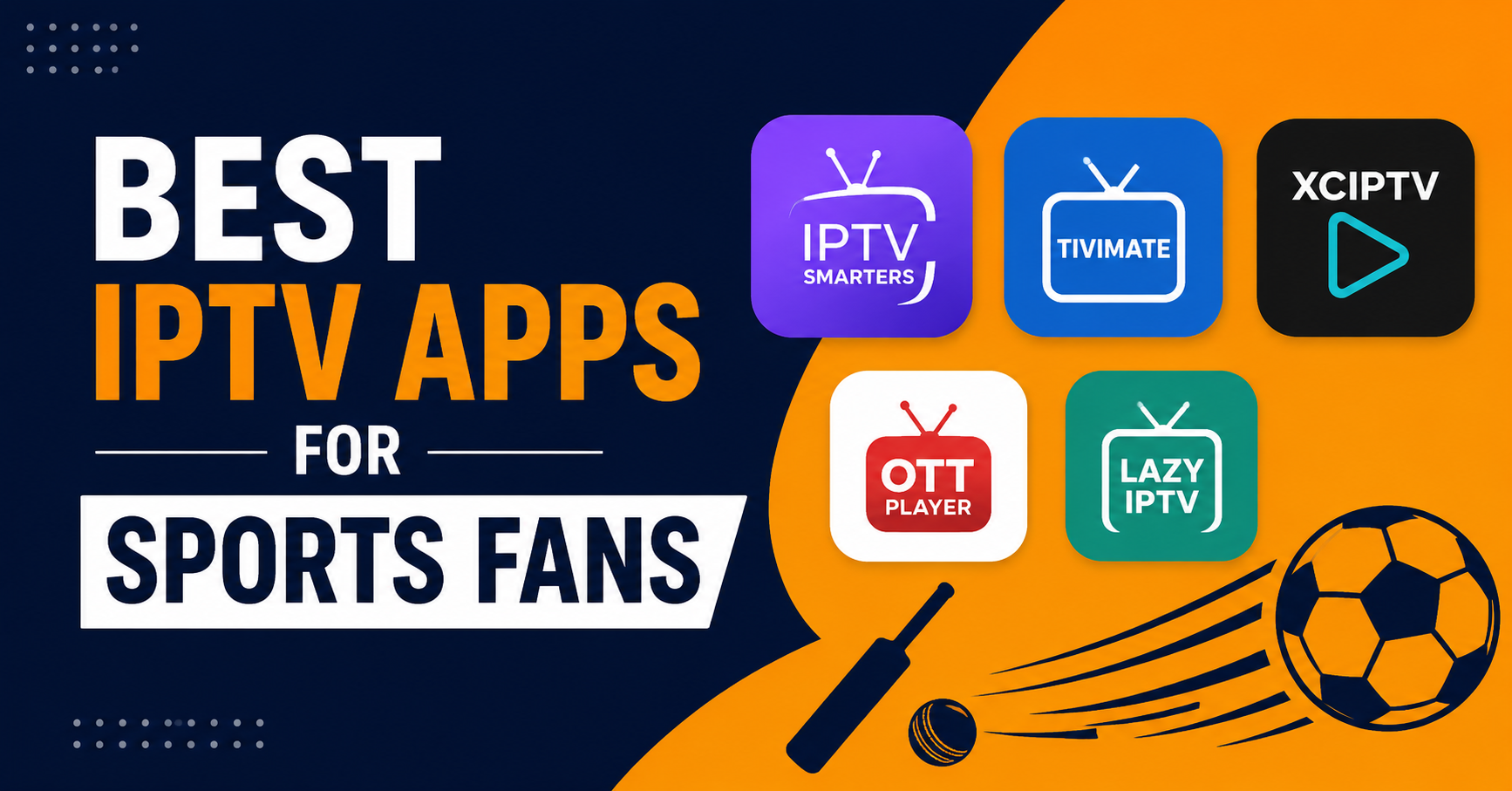
The best IPTV apps for sports fans in 2026 are the ones with a fast channel switcher, a reliable EPG, hardware decoding that does not choke at 50fps, and a buffer setting you can actually adjust. On that basis the standouts are TiviMate, IPTV Smarters Pro, Sparkle TV, Purple Player, and OTT Navigator. Everything else is a trade off. If you only remember one thing, remember that the app determines whether a fast moving football match looks smooth or smears into mush during a counterattack.
Now here is the part most “top app” lists skip. The fanciest interface in the world cannot fix a weak server, and a great server gets blamed for a lazy app. After watching support tickets pile up through years of match nights, I can tell you the people who never complain are usually running a clean app with the right buffer on a device that supports proper decoding. That combination matters more than the logo on the screen.
Why Sports Break Apps That Handle Everything Else Fine
Movies forgive a lot. A film buffers for two seconds, fills its cache, and you never notice again. Sport does not work that way. A football match is constant motion with a hard real time constraint nobody talks about: you cannot fall thirty seconds behind when your neighbour is screaming at a goal you have not seen yet.
High motion footage at 50 or 60 frames per second pushes far more data per second than a slow drama. If the app leans on software decoding instead of your device’s hardware chip, the picture starts tearing or dropping frames during exactly the moments that matter, the breakaway, the sprint, the fast pan across a pitch.
Pro Tip:
Before judging any sports stream, force the app into hardware decoding in the settings. Half the “bad service” reports we trace back actually come from a player stuck on software decoding, melting the CPU on a cheap streaming stick.
This is why an app that streams news channels beautifully can fall apart the moment a derby kicks off. The workload is simply heavier, and weak apps expose themselves under that load.
The Five Apps Worth Your Time
I am not going to pretend there are thirty great options. There are not. Most IPTV apps are reskins of the same few engines. These five each earn their place for a specific reason rather than a marketing claim.
TiviMate
The one serious sports viewers gravitate toward. Its EPG is the cleanest in the category, the channel switching is near instant, and the picture in picture lets you keep one match running while you check another score. The catch is platform: it is built for Android TV and Fire devices, not iPhones. The free tier is usable, but the recording and multiview features sit behind the premium unlock.
IPTV Smarters Pro
The everywhere app. Android, iOS, Windows, smart TVs, it runs on nearly anything, which is why so many subscribers land on it first. It is not the slickest, but the built in player is stable and the multiscreen view is genuinely useful for a Saturday with five kickoffs. For a household juggling phones and tablets, the cross platform reach beats raw polish.
Sparkle TV
A favourite for Fire Stick users who find Smarters clunky. Lightweight, fast to load, and forgiving on older hardware. It will not win design awards, but on a tired second generation Fire Stick it often outruns heavier apps that stutter on the same device.
Purple Player
Strong on smart TVs, especially Samsung and LG sets where native app choice is thin. The interface is clean and the EPG handling is solid. Worth knowing before you commit: it uses a one time activation model per device rather than a subscription to the app itself.
OTT Navigator
The power user’s pick. Deep customisation, flexible buffering controls, and excellent catch up support if your provider offers it. The learning curve is steeper, so it suits the tinkerer more than someone who wants to install and forget.
A Quick Comparison Before You Install
| App | Best Device | Standout Strength | Weak Spot |
|---|---|---|---|
| TiviMate | Android TV, Fire | EPG and channel switching | No iOS, premium gated |
| IPTV Smarters Pro | Everything | Cross platform reach | Plain interface |
| Sparkle TV | Fire Stick | Light and fast | Basic features |
| Purple Player | Samsung, LG TVs | Native smart TV fit | Per device activation |
| OTT Navigator | Android power users | Buffer and catch up control | Steeper learning curve |
The right pick is not the highest rated app. It is the one that matches the device you actually watch on. We have seen a customer fight TiviMate on an iPhone for a week before realising it was never going to run there, then switch to Smarters and never complain again.
The Buffer Setting Nobody Tells Subscribers About
Almost every quality app has a buffer or cache control buried in its playback settings, and almost nobody touches it. This single number decides whether a match stutters or stays smooth on an unstable connection.
A small buffer means lower delay but less tolerance for connection dips. A larger buffer adds a few seconds of delay but absorbs the small drops that happen when WiFi wobbles or your ISP throttles streaming traffic during peak evening hours.
Here is the practical move:
- On a strong wired or 5GHz connection, keep the buffer low for minimal delay.
- On WiFi that drops occasionally, raise the buffer one or two steps to ride through dips.
- If matches freeze right at kickoff when everyone in the area is streaming, a larger buffer almost always helps.
- Restart the app after changing the setting so it actually applies.
Pro Tip:
If a customer reports freezing only between roughly 8 and 11pm, that is rarely a server fault. That is peak hour ISP throttling, and a bigger buffer plus a wired connection fixes it more often than any app switch.
What App Choice Means If You Resell
This section is for the IPTV reseller, the panel owner, and the sub reseller, because app choice quietly shapes your support load and your churn.
Here is something most IPTV business owners learn the hard way. The app you recommend at signup determines how many tickets you answer later. A reseller who tells every new customer to install a random unstable player will drown in “it’s buffering” messages, and most of those have nothing to do with the actual service running on the panel.
A sharp IPTV operator standardises the recommendation. Pick one or two solid apps per device type, write a two minute setup guide, and send it with every new line. The reseller panel gives you the credits and the lines, but the customer experience lives inside the app, and that is the part you can control without touching infrastructure.
Pro Tip:
The most underrated retention tool for any credit reseller is a clean onboarding message that includes the right app, the correct buffer setting, and a wired connection tip. We have watched panel owners cut their support volume noticeably just by standardising that one message.
A few field lessons worth repeating for any IPTV reseller scaling past a hundred customers:
- One reseller lost a chunk of customers during a major tournament because half of them were on a player that could not handle 50fps, and they assumed the whole service was broken.
- After reviewing hundreds of reseller support requests, the single most common “fault” was a default buffer left untouched on flaky WiFi.
- Sub resellers who copy a proper onboarding guide from their panel owner consistently report fewer first week cancellations.
The lesson for the panel owner is blunt. Your IPTV reseller panel handles distribution, but app guidance is where you win or lose the customer. Treat it as part of the product, not an afterthought.
Device Reality Check
The same app behaves differently across hardware, and this trips up more subscribers than any app flaw.
- A first generation Fire Stick will struggle with heavy apps no matter how good your connection is. Lightweight players win here.
- Android TV boxes give the most flexibility and run TiviMate properly.
- iPhones and iPads are locked out of several Android only apps, so plan around Smarters or web based options.
- Smart TV native apps are convenient but often slower than an external box running a dedicated player.
If buffering only happens on one device in the house while everything else runs clean, the device or its app is the suspect, not the service. That single diagnostic saves hours of pointless server blaming.
Frequently Asked Questions
Which are the best IPTV apps for sports fans on Fire Stick?
For Fire Stick, TiviMate and Sparkle TV are the strongest choices. TiviMate offers the best EPG and channel switching for serious sports viewing, while Sparkle TV is lighter and runs better on older Fire Stick generations. Both handle live sport well when paired with hardware decoding and a sensible buffer setting.
Do the best IPTV apps for sports fans work on iPhone?
Some do, but not all. Several top apps like TiviMate are Android only, so iPhone users should look to IPTV Smarters Pro, which runs on iOS and offers a stable player with multiscreen viewing. Always check platform support before assuming an Android focused app will run on Apple devices.
Why does my sports stream buffer when movies play fine?
Live sport runs at higher frame rates and constant motion, pushing far more data per second than a slow film. If your app uses software decoding or a small buffer, fast action exposes it. Switch the app to hardware decoding and raise the buffer slightly to smooth out high motion footage.
Which IPTV app is best for a reseller to recommend?
For most reseller customers, IPTV Smarters Pro is the safest default because it runs across nearly every device. A panel owner reduces support tickets by standardising one or two recommended apps with a short setup guide rather than letting each customer pick a random unstable player.
Does the IPTV app affect streaming quality more than the server?
Both matter, but they fail differently. A weak server drops everyone at once, while a poor app causes problems on a single device. If one device buffers and others run clean, the app or device is the cause. A good app cannot fix a bad server, and a strong server gets blamed for a lazy app.
Are free IPTV apps good enough for sports?
The free tiers of TiviMate, Smarters, and OTT Navigator are usable for live sport. Paid unlocks mainly add recording, multiview, and deeper customisation rather than better core playback. For casual viewing the free versions handle match day fine once decoding and buffer settings are configured properly.
What buffer setting works best for live sports?
There is no single number. On a wired or strong 5GHz connection, keep the buffer low for minimal delay. On WiFi that dips during peak hours, raise it one or two steps to absorb drops. Restart the app after changing it so the new setting takes effect during the match.
Conclusion
Choosing among the best IPTV apps for sports fans is less about chasing the highest rated player and more about matching the app to your device, then tuning two settings most people never open. TiviMate and OTT Navigator reward power users on Android. Smarters covers everyone. Sparkle TV rescues old Fire Sticks. Purple Player fits smart TVs. Get hardware decoding on and the buffer dialed in, and the best IPTV apps for sports fans will hold steady through the moments that actually matter.
For UK IPTV resellers, the takeaway is sharper still. The app you recommend is part of your service whether you treat it that way or not, and a clean onboarding message protects your panel credits by cutting the tickets that never had anything to do with your servers. If you want a stable provider behind those apps, a reliable option like britishseller.co.uk gives you the backbone, and the right app finishes the job.
Success Checklists
For subscribers:
- Match your app to your device before installing anything
- Turn on hardware decoding in the player settings
- Set the buffer low on wired, higher on flaky WiFi
- Restart the app after changing any playback setting
- If one device buffers and others do not, suspect the app, not the service
For resellers:
- Standardise on one or two recommended apps per device type
- Write a two minute setup guide and send it with every new line
- Include the correct buffer tip in your onboarding message
- Track which app most of your support tickets come from
- Stop blaming the panel before checking the customer’s player
For sub resellers:
- Copy your panel owner’s onboarding guide instead of improvising
- Send the right app link at the moment you hand over the line
- Flag device type before recommending an app
- Keep a saved reply for the common buffer fix
- Escalate to your panel owner only after ruling out app and device
One last thing worth holding onto: in this game the server gets the blame and the app does the damage. Fix the app and the buffer first, and you will solve most sports streaming complaints before they ever reach your infrastructure.