What Is the Best IPTV Player for Firestick?
The best IPTV player for Firestick right now is a combination, not a single winner. IPTV Smarters Pro handles everyday viewing with the least fuss, while TiviMate gives power users more control over EPG layout, multi-screen setups, and playlist management. If you only install one app this year, start with IPTV Smarters Pro for simplicity, then move to TiviMate once you know what features matter to you.
Why the Right Player Changes Everything on Firestick
Firestick hardware is capable, but it is also memory limited compared to a full smart TV or a dedicated Android box. A poorly built IPTV app can eat through RAM, cause the whole device to lag, or crash mid stream during exactly the moment you do not want it to. The player you choose is not a cosmetic decision. It decides whether your EPG loads instantly or freezes, whether your stream recovers from a dropped connection automatically, and whether you spend your evening watching content or restarting your Firestick.
A good player also protects you from provider side problems. If your IPTV service has a brief server hiccup, a well built app buffers gracefully and reconnects. A weak app just throws an error and forces you to close and reopen everything. That difference matters more than people expect until they live with it for a few weeks.
Best IPTV Player for Firestick: Top Contenders Compared
There are dozens of IPTV apps in the Amazon App Store, but only a handful are genuinely built for Firestick’s limited resources and worth your time. The table below breaks down the three most commonly recommended options so you can see the real trade offs side by side.
| App | Best for | Setup time | EPG quality |
|---|---|---|---|
| IPTV Smarters Pro | First-time users, simple setups | Under 5 minutes | Good, basic layout |
| TiviMate | Multi-profile households, power users | 5 to 10 minutes | Excellent, cable-style guide |
| Perfect Player | Users wanting deep manual configuration | 10 to 15 minutes | Good, but manual setup required |
Pro Tip: Before committing to any player long term, run it during your household’s busiest streaming hour, usually evening prime time, not during a quiet afternoon. That is when weak apps show their real limitations.
IPTV Smarters Pro: The Easiest Starting Point
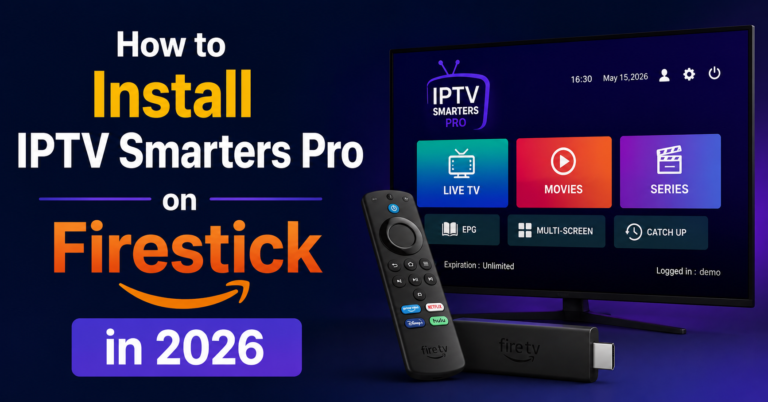
IPTV Smarters Pro is usually the first app people install, and for good reason. The interface is clean, setup takes under five minutes, and it handles M3U links and Xtream Codes API logins without any technical knowledge required. It also supports EPG, so you get a proper program guide rather than a bare channel list.
Where it falls slightly short is customisation. You cannot rearrange categories as deeply as TiviMate allows, and multi-screen or picture in picture support is limited. For most subscribers who just want reliable, straightforward playback, that trade off is completely worth it.
TiviMate: Built for Households That Want More Control
TiviMate has become the preferred choice among people running multiple IPTV connections or managing accounts for family members. It supports custom EPG sources, favourites lists per profile, catch up TV navigation that feels closer to a proper cable guide, and a more polished remote control experience overall.
The free version carries some limitations, and the full feature set requires a one time premium unlock. For anyone treating their subscription as a long term setup rather than a quick trial, that small cost pays for itself in reduced daily friction.
How to Pick the Best IPTV Player for Firestick for Your Household
The right choice depends on how you actually watch, not on which app has the most reviews. If you are the only person using the Firestick and you want something that works without thinking, IPTV Smarters Pro is the simpler path. If multiple people share the device with different favourite channels, or you are running several connections across rooms, TiviMate’s profile and favourites system saves real time.
Consider also how often you rewatch missed shows. Catch up TV support varies between apps, and if that feature matters to you, test it directly rather than assuming it works the same everywhere. Reading a few setup guides before choosing, including a general installation guide, can save you from reinstalling everything twice.
Installing the Best IPTV Player for Firestick in Under Five Minutes
Setup is simpler than most people expect. First, enable apps from unknown sources in your Firestick’s developer settings, since IPTV apps are not always listed in the standard Amazon App Store. Next, install Downloader from the App Store, which lets you pull the APK file directly using a short code from the app’s official site.
Once installed, open the app and enter your credentials, either an M3U playlist URL or Xtream Codes API details, both of which your provider sends immediately after signup. Within a minute or two, your full channel list and EPG should populate. If channels do not load right away, double check that your internet connection is stable and that you copied the URL exactly, since a single missing character will break the whole playlist.
Fixing Buffering and Freezing Issues on Firestick
Buffering almost never comes down to a single cause, so it helps to check things in order. Start with your internet speed. Most 4K IPTV streaming needs at least 25 Mbps, and if your Firestick is connected over Wi-Fi through walls or floors, that speed drops fast. A wired Ethernet adapter for Firestick solves this instantly for anyone who has cut corners on router placement.
Next, check whether your ISP is throttling streaming traffic through deep packet inspection, which some UK providers do quietly during peak hours. A VPN resolves this in most cases by encrypting your traffic so your ISP cannot identify and slow it. Finally, restart the Firestick itself every week or two. Cached data builds up over time and slows even a well built app down.
Best IPTV Player for Firestick for Resellers and Sub-Resellers
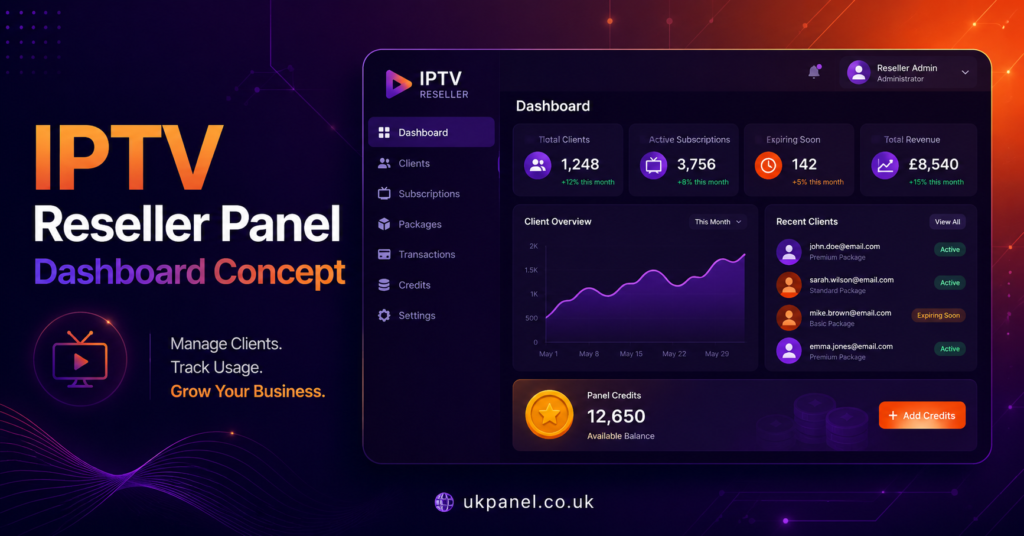
If you are running an IPTV reseller panel rather than a single household subscription, your player recommendation to customers matters just as much as your credit pricing. Steering new subscribers toward a stable, well supported app reduces support tickets dramatically, since most complaints trace back to a poorly configured player rather than the underlying service itself.
Sub-resellers managing smaller customer bases benefit from picking one or two supported apps and sticking with them, rather than supporting every option under the sun. Providers such as britishseller.co.uk, as one example among many resellers in this space, often publish their own setup walkthroughs for exactly this reason, so customers land on a consistent, low friction experience from day one. Pointing new customers to a clear best IPTV player for Firestick recommendation upfront saves hours of back and forth later.
Pro Tip: Keep a short, one page setup sheet ready for new customers listing your recommended app, install steps, and a contact number. It turns a ten minute support call into a thirty second text message.
What Makes a Firestick IPTV Player Worth Keeping Long Term
Longevity comes down to update frequency and developer support. Apps that receive regular updates tend to fix bugs faster and adapt to changes in Firestick’s own operating system, which does get updated periodically by Amazon. Checking the app’s last update date in the App Store before installing is a small habit that saves a lot of frustration six months down the line.
Community support matters too. Apps with active forums or dedicated support channels tend to get faster fixes for common issues, since problems get reported and resolved in public rather than sitting unnoticed.
Subscriber, Reseller, and Sub-Reseller Checklist
For subscribers: confirm your internet speed meets 25 Mbps before troubleshooting the app itself, install IPTV Smarters Pro first if you are new to IPTV, keep your Firestick’s software updated, and restart the device weekly to clear cache buildup.
For resellers: standardise on one or two recommended apps across your customer base, prepare a simple written setup guide to cut down support requests, and test any new app yourself for a full week before recommending it publicly.
For sub-resellers: lean on your reseller’s recommended setup rather than experimenting independently, keep a short script ready for the most common buffering complaints, and always confirm a customer’s internet speed before assuming the app or panel is at fault.
Frequently Asked Questions About the Best IPTV Player for Firestick
Is IPTV Smarters Pro or TiviMate better for Firestick?
IPTV Smarters Pro is simpler and better for first time users, while TiviMate offers more customisation for households running multiple profiles or connections. Neither is universally better, it depends on your setup.
Do I need a VPN to use an IPTV player on Firestick?
A VPN is not required for the app to function, but it helps prevent ISP throttling and adds privacy, which many providers now include as a built in feature.
Why does my IPTV player keep buffering on Firestick?
Buffering usually comes from insufficient internet speed, Wi-Fi signal weakness, or ISP throttling rather than the app itself. Checking your connection speed first solves most cases.
Can I use the same IPTV player across multiple devices?
Most players, including IPTV Smarters Pro and TiviMate, work across Firestick, Android boxes, and smart TVs, though your subscription may limit the number of simultaneous connections.
Is it difficult to install an IPTV player on Firestick?
No, most installations take under five minutes using the Downloader app to sideload the APK, followed by entering your provider’s login credentials directly into the player.
Final Word on the Best IPTV Player for Firestick
There is no single best IPTV player for Firestick that fits every household or every UK IPTV Panel reseller business. IPTV Smarters Pro remains the easiest starting point for anyone new to IPTV, while TiviMate rewards users and resellers who want deeper control over profiles, favourites, and EPG layout. Whichever you choose, pairing the right app with a stable internet connection and a bit of basic troubleshooting knowledge is what actually determines whether your Firestick delivers smooth, reliable viewing day after day.