Nine times out of ten, when a customer messages me at 6pm swearing their whole service is “down,” the streams are working perfectly. What’s actually broken is the guide. The little programme grid that tells them what’s on. And here’s the part nobody admits: a blank EPG almost never means a dead server. It means a timezone mismatch, a stale cache, or a URL that quietly stopped responding three days ago.
So let me give you the answer before the explanation, because that’s what you came for.
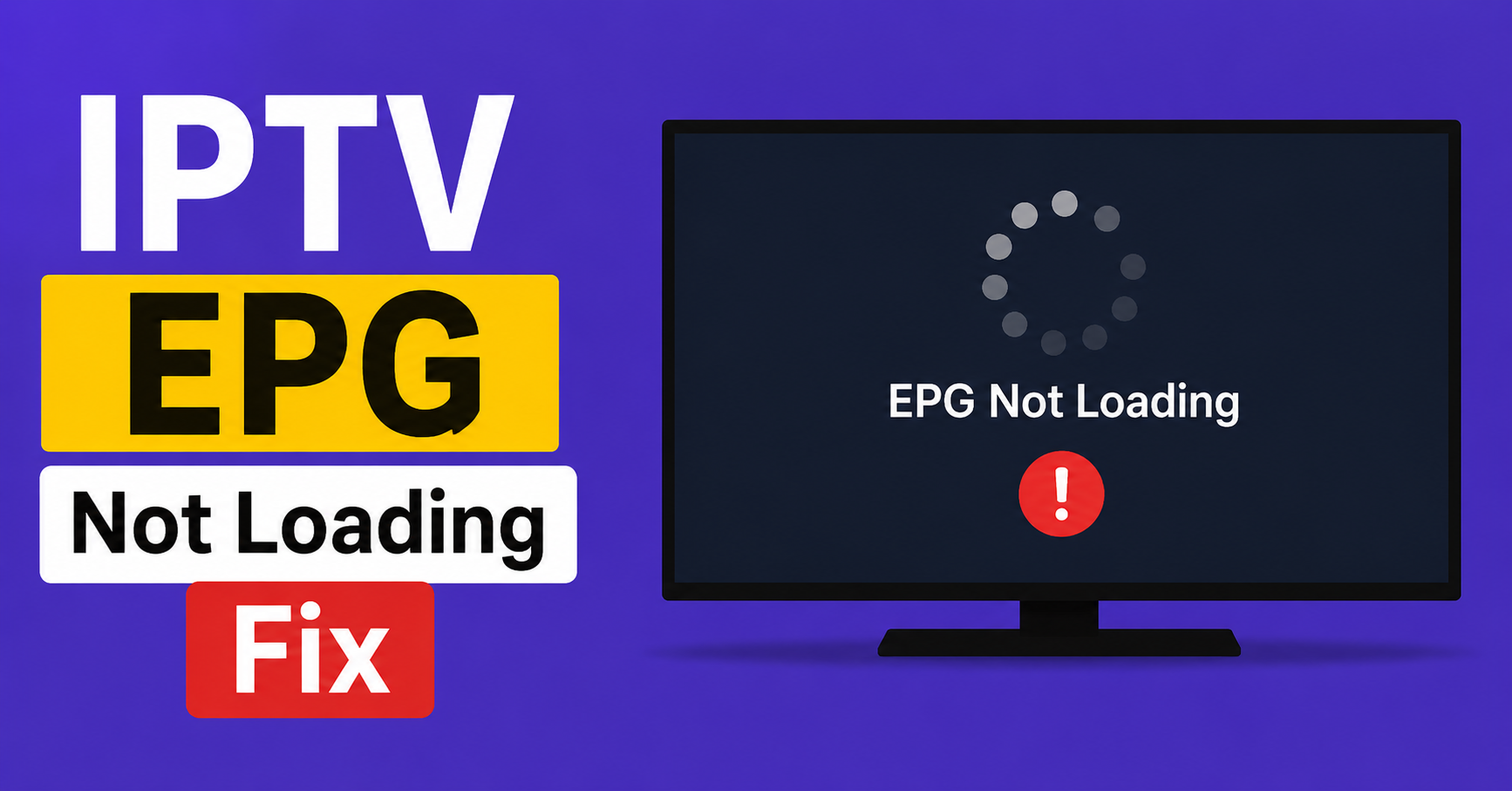
The fastest IPTV EPG not loading fix is this: force your app to re download the guide data. In most players that means clearing the EPG cache, confirming your timezone and time offset are correct, and making sure the XMLTV or M3U EPG URL is still valid. If the guide was working last week and died suddenly, the problem is almost always on the provider’s EPG source, not your device. If it never worked at all, the problem is your setup.
That single distinction, was it working before or never, will save you an hour of pointless troubleshooting. Sudden failure points outward, toward the panel or the EPG feed. Permanent failure points inward, toward your app configuration. Start there every single time.
Why the guide breaks when the channels don’t
People assume the EPG and the video come from the same place. They usually don’t. Your live channels stream over HLS from one set of servers. Your guide data arrives separately as an XMLTV file, often hosted on a completely different box, sometimes a cheap one the provider forgot about. That separation is exactly why you can be watching a flawless match while the programme guide sits there empty.
A UK IPTV reseller panel pulls EPG from upstream, caches it, and serves it to apps on a schedule, often once or twice a day. When that scheduled pull fails, every downstream user sees stale or missing data even though streaming is untouched.
Pro Tip:
If your channels play but the guide is empty across multiple unrelated apps, stop touching your device. The fault is upstream. Message your provider and tell them the EPG source needs a refresh. You cannot fix their cron job from your living room.
The fixes that actually clear most cases
Run these in order. Roughly seventy percent of guide problems die at step two or three.
- Force close the app completely, not minimise, then reopen it
- Clear the EPG cache or stored data inside the app settings
- Check your timezone and manually set the EPG time offset to match your region
- Re enter or refresh the EPG URL if your app allows a custom XMLTV link
- Toggle the device off WiFi onto mobile data briefly to rule out DNS blocking
- Update the app, old builds frequently break on newer EPG formats
The timezone one catches more people than anything else. A guide that loads but shows every programme shifted by several hours isn’t broken, it’s reading the right data against the wrong clock. Set the offset manually rather than trusting auto detect, which guesses wrong on a lot of Android boxes.
What a wrong timezone actually looks like
This trips up new users constantly. The guide populates, channels have listings, but everything is sitting at the wrong time. A film that starts at 9pm shows as starting at 1am. Subscribers see this and assume the data is corrupt. It isn’t. The XMLTV file stamps every programme in a base timezone, usually GMT, and your app applies an offset to convert it. Get that offset wrong and the data is perfect but useless.
| Symptom | Likely Cause | Where to Fix |
|---|---|---|
| Guide totally blank | Stale cache or dead EPG URL | App cache, then provider |
| Listings shifted by hours | Wrong timezone offset | Device or app settings |
| Some channels have guide, others don’t | Incomplete EPG mapping | Provider side |
| Guide loads then vanishes | App memory or cache overflow | Clear data, update app |
| Never worked since setup | Wrong or missing EPG URL | Re enter XMLTV link |
Notice how often the fix column points back to the provider. That’s not me dodging responsibility. It’s just where the fault genuinely lives most of the time.
The DNS angle nobody checks
Here’s something I learned the slow way. Sometimes the EPG URL is alive, the data is fresh, and the guide still won’t load, because the user’s ISP is quietly blocking the domain hosting that XMLTV file. Streaming domains and EPG domains are often separate, and an ISP running deep packet inspection might throttle or null route one without touching the other.
The tell is simple. If switching from home WiFi to mobile data suddenly makes the guide appear, your home network is interfering. We saw a wave of this in late 2025 when several UK ISPs expanded their filtering and started catching EPG hostnames that had previously slipped through. The streams kept working. The guides went dark for thousands of users overnight, and every one of them blamed their app first.
Pro Tip:
Before you reinstall anything, test the guide on mobile data. If it loads there but not on home broadband, the IPTV EPG not loading fix isn’t on your device at all. It’s a DNS problem, and a different resolver or a basic network change usually clears it.
What this looks like from the reseller side
If you run a reseller panel, EPG failures are a churn engine, and most panel owners underestimate how badly. A IPTV Service subscriber who can’t see the guide feels like their whole service is failing, even when streams are perfect. After reviewing hundreds of support tickets across reseller operations, I’d estimate guide complaints outnumber actual stream complaints by roughly three to one.
The mistake we repeatedly see is resellers treating EPG as an afterthought. They obsess over channel uptime and load balancing and let the EPG cron quietly fail for days. One sub reseller I worked with lost a chunk of his base over a single weekend because his upstream EPG source went down during a major football fixture and nobody noticed until Monday. The streams were flawless. The guide was empty. Customers left anyway.
For an IPTV operator or IPTV business owner, here’s the uncomfortable truth: your customers judge reliability by the guide more than the stream. A credit UK IPTV reseller selling on a white label panel inherits whatever EPG quality sits upstream, so vetting that EPG source before you commit panel credits matters more than the channel count anyone quotes you.
A reseller EPG reliability checklist
- Confirm your IPTV reseller panel refreshes EPG at least twice daily, not once
- Monitor the EPG source URL with an uptime checker, separately from streams
- Keep a backup XMLTV source mapped where the panel allows it
- Pre warn customers before known maintenance windows
- Test the guide yourself on a real device weekly, not just the admin view
- During major sports events, check EPG the morning of, when traffic spikes hit hardest
That last point matters more than it sounds. Sports weekends are exactly when EPG sources buckle under load, and exactly when subscribers care most about the guide. A panel owner who checks proactively on a big Saturday avoids the Monday churn that catches everyone else.
When reinstalling is actually the answer
I’m reluctant to tell anyone to reinstall, because it’s the lazy advice that gets handed out when nobody understands the real cause. But there is one genuine case for it. If your app’s EPG cache has corrupted, no amount of clearing settings fixes it, and a clean reinstall rebuilds the data store from scratch.
The honest sequence is this. Try every lighter fix first. Force close, clear cache, check timezone, test on mobile data. Only when all of those fail does a reinstall earn its place, because reinstalling wipes your channel setup too, and rebuilding that is a chore nobody enjoys.
A quick word on app choice
Not all players handle EPG equally. Some cache aggressively and stay fast but go stale. Others fetch fresh constantly and feel slower but rarely show blank guides. If you’re chronically fighting EPG issues on one app, the IPTV EPG not loading fix might simply be switching to a player with better guide handling. A reputable provider like britishseller.co.uk will usually tell you which players map cleanly to their EPG format, which saves you the trial and error.
Frequently Asked Questions
Why is my IPTV EPG not loading even though channels work?
Because the guide and the streams come from different sources. Your channels stream over HLS while the EPG arrives as a separate XMLTV file, often on a different server. When that EPG source fails or your app cache goes stale, the guide disappears while streaming continues normally. The IPTV EPG not loading fix usually starts with clearing your app cache.
What is the fastest IPTV EPG not loading fix?
Force close the app, clear the EPG cache, then confirm your timezone offset is correct. This clears most cases in under two minutes. If the guide was working recently and suddenly stopped, the problem is likely on your provider’s EPG source rather than your device, and only they can refresh it.
Why does my guide show the wrong times?
Your EPG data is stamped in a base timezone, usually GMT, and your app converts it using an offset. If that offset is wrong, every programme appears shifted by hours. Set the timezone and offset manually in your app settings instead of relying on automatic detection, which often guesses incorrectly on Android devices.
Can my internet provider block the EPG?
Yes. ISPs running deep packet inspection sometimes block the domain hosting your EPG file while leaving streaming untouched. If the guide loads on mobile data but not home broadband, your network is interfering. Changing your DNS resolver or testing a different network usually restores the guide.
As a reseller, how do I stop EPG complaints?
Monitor your EPG source separately from your streams with an uptime checker, ensure your reseller panel refreshes the guide at least twice daily, and test on a real device weekly. Most panel owners watch channel uptime and ignore EPG until customers complain, which is exactly how avoidable churn happens.
Will reinstalling the app fix the EPG?
Sometimes, but try it last. Reinstalling rebuilds a corrupted EPG cache from scratch, but it also wipes your channel setup. Force close the app, clear cache, and check your timezone first. Only reinstall when every lighter fix has genuinely failed, because rebuilding your configuration afterward is time consuming.
How often should the EPG update?
A healthy setup refreshes guide data at least once or twice daily. Resellers should pull more frequently. If your guide is consistently a day behind, the scheduled EPG pull on your provider’s panel is likely failing, which is a provider side fix rather than something you can resolve on your device.
The IPTV EPG not loading fix, summarised
Strip away the panic and the IPTV EPG not loading fix comes down to a handful of checks done in the right order. Establish whether it ever worked, because that splits provider faults from device faults instantly. Clear your cache and verify your timezone, since those two account for most cases. Test on a different network to rule out ISP blocking. And if you run a panel, treat EPG monitoring as seriously as you treat your streams, because your customers already do.
Subscriber checklist
- Confirm whether the guide ever worked before
- Force close the app, then clear the EPG cache
- Set timezone and EPG offset manually
- Test the guide on mobile data versus home WiFi
- Update or reinstall the app only as a last resort
Reseller checklist
- Monitor the EPG source URL separately from streams
- Set the panel to refresh EPG at least twice daily
- Keep a backup XMLTV source mapped where possible
- Test the guide on a real device weekly
- Check EPG proactively before major sports events
Sub reseller checklist
- Vet the upstream EPG quality before buying panel credits
- Confirm what guide refresh schedule you are inheriting
- Warn your own customers before known maintenance
- Escalate EPG faults upstream fast, since you cannot fix the source
- Track which players handle your panel’s EPG format best
The single lesson worth keeping: a blank guide is rarely the disaster it feels like. Nearly every IPTV EPG not loading fix starts with one quiet question, was it working yesterday, and the answer tells you exactly which direction to look. Solve that, and you have solved most of the problem before you have touched a single setting.