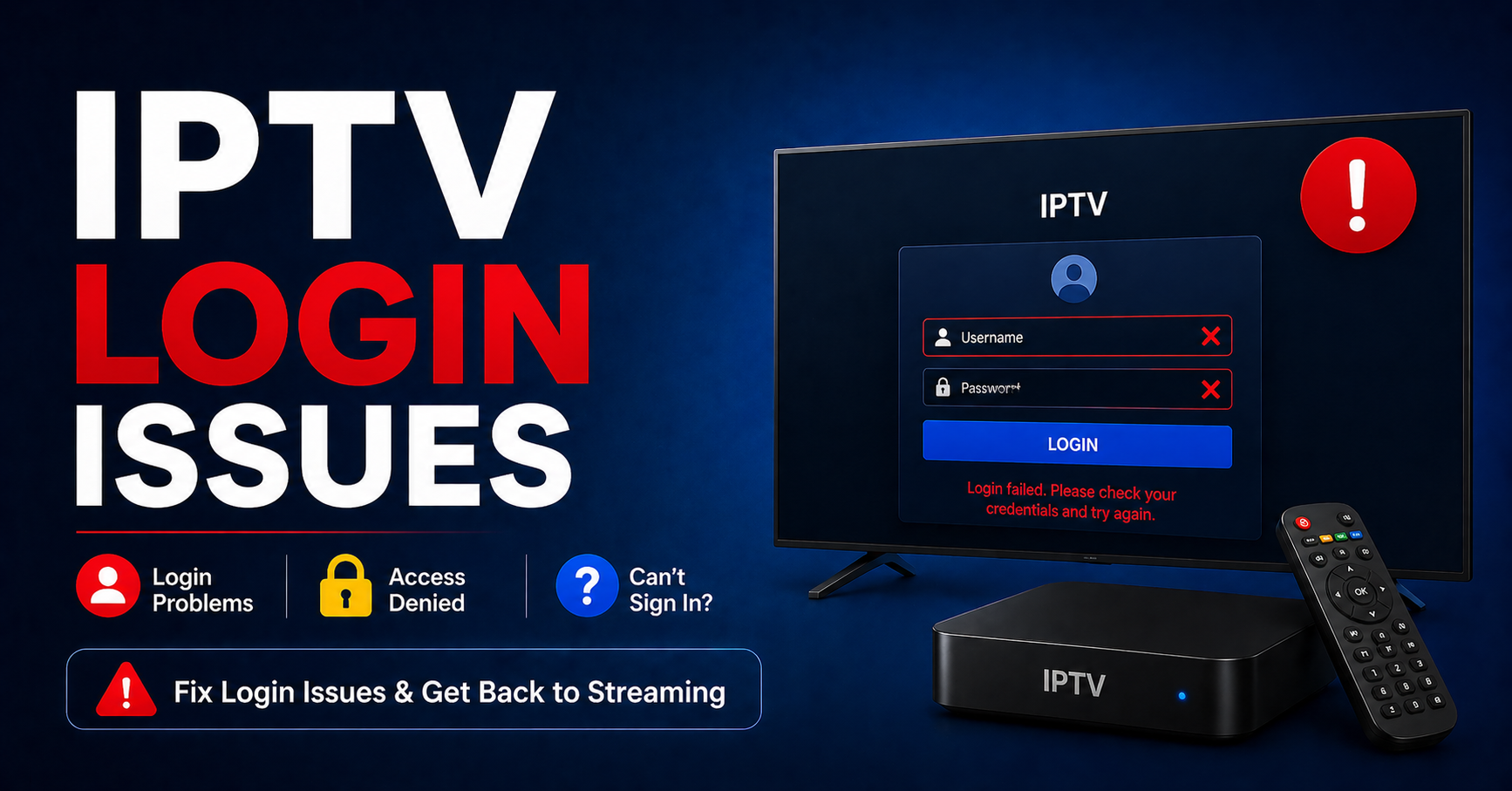
IPTV Login Issues in 2026: What’s Actually Breaking and How to Fix It
You enter your credentials. The app spins. Nothing loads. Your first instinct is to blame the provider, but nine times out of ten the problem is somewhere in the chain between your device and the panel server, and it has nothing to do with your password being wrong.
IPTV login issues in 2026 look different than they did three years ago. ISPs have gotten smarter. Panels have gotten more complex. And the average reseller is still troubleshooting like it’s 2020, refreshing the app, re-entering credentials, and waiting for their supplier to wake up. That approach costs you customers every single time.
This guide is written from the operator side, not the “how to get IPTV” tutorial side. If you’re a UK IPTV reseller managing multiple customers, or a subscriber who’s been through three providers and still hits the same wall, this is the breakdown you’ve been looking for.
When the Credentials Are Fine but the Login Still Fails
This is the most misdiagnosed scenario in the entire IPTV ecosystem. The username and password are correct. The subscription is active. And yet authentication fails.
What’s actually happening in most cases is a DNS interception event. Your ISP isn’t necessarily blocking the stream itself; it’s intercepting the DNS request that resolves your panel’s domain to an IP address. The app sends a login request to a domain name, DNS returns nothing useful (or a block page IP), and the app reports it as a credential error.
How to isolate this immediately:
- Switch your device DNS to 1.1.1.1 (Cloudflare) or 8.8.8.8 (Google)
- Try logging in again before changing anything else
- If it works, the problem was never your credentials, it was DNS poisoning at the ISP level
Pro Tip: Don’t just fix this for yourself. If you’re a reseller, build a DNS troubleshooting step into your customer onboarding. A one-page setup guide that tells customers to use Cloudflare DNS will cut your support volume by 30-40% on its own.
IPTV login issues caused by DNS interference have spiked significantly since late 2025 as major ISPs in the UK and Europe rolled out transparent DNS proxying. This means even if a customer sets a custom DNS manually, some ISPs override it at the router level. The only reliable fix at that point is a VPN with DNS leak protection.
The Panel Is Up but Your Customers Can’t Get In
Resellers often assume that if their own login works, the panel is fine. That’s a dangerous assumption.
Modern Xtream-compatible panels handle authentication through separate microservices. The main panel dashboard can be fully accessible while the API authentication endpoint, the service that validates login requests from apps like TiviMate, IPTV Smarters, or GSE Smart IPTV, is timing out or returning errors under load.
Here’s how the most common panel-side scenarios actually break down, and what each one really means underneath:
| Scenario | What the customer sees | What’s actually happening |
|---|---|---|
| API endpoint overloaded | “Invalid credentials” error | Too many concurrent auth requests |
| Panel DB lag | Login hangs for 30+ seconds | Database write/read bottleneck |
| ISP-level block | Immediate timeout | DNS or IP block by carrier |
| Expired line (admin error) | “Account expired” or blank screen | Wrong expiry date set in panel |
| Wrong portal URL | App loads, no content | Customer using old or incorrect URL |
If you’re a reseller and you can log in but customers on the same panel can’t, check the panel’s active connections dashboard. Most XtreamUI and similar systems show real-time authentication traffic. A spike in failed attempts clustered around the same time usually points to infrastructure, not user error.
App-Level Problems That Have Nothing to Do with the Server
The app is where most end-users focus their frustration. And apps do cause genuine IPTV login issues, just not always in the ways people expect.
TiviMate caches login sessions aggressively. If a line was regenerated or the server IP changed, TiviMate might keep trying an old cached session for hours without showing a meaningful error. Fix: go into the playlist settings, remove the source entirely, and re-add it fresh.
IPTV Smarters Pro has a known issue with certain Android TV firmware versions where the app’s certificate store conflicts with self-signed SSL panels. The login simply hangs. Downgrading the app one version or side-loading the APK often resolves it.
GSE Smart IPTV on iOS has an MPEG-TS parsing issue that can manifest as a login failure when it’s actually a stream format incompatibility. The app accepts the credentials and then fails to buffer the first channel, reporting back to the user as an auth error.
Pro Tip: When a customer reports IPTV login issues, ask them three things before anything else: What app? What device? Did they change anything in the last 48 hours? That narrows the diagnostic tree by about 70%.
AI-Driven ISP Blocking and How It’s Changing the Login Problem
This is where 2026 gets interesting, and where older troubleshooting logic breaks down.
Several major European ISPs have deployed machine-learning-based traffic classification systems that identify IPTV panel traffic patterns at the packet level. These systems don’t rely on domain blacklists anymore. They recognize the signature of an Xtream Codes API authentication handshake and flag it for throttling or blocking, even when the domain itself is clean and unblacklisted.
The practical result: customers experience IPTV login issues that appear completely random. One device connects fine; another on the same WiFi network fails. The same credentials work on a mobile connection but fail on broadband. This inconsistency is the fingerprint of behavioral traffic analysis, not simple IP blocking.
What this means for resellers:
- Panels need to support HTTPS authentication because plain HTTP connections are significantly easier to fingerprint
- Back up uplink servers with distinct IP ranges (not just different IPs on the same /24 subnet) are now essential
- Providers who rely on a single domain for authentication are a liability, not a service
The resellers who are scaling in 2026 are the ones working with panel infrastructure that rotates authentication endpoints or uses reverse-proxy layers to obscure traffic signatures. It’s no longer optional.
Credential Management Failures That Resellers Create Themselves
Let’s talk about the human error side, because a significant portion of IPTV login issues reported to suppliers are caused by the reseller, not the infrastructure.
Line conflicts happen when the same credentials are issued to multiple customers, either through panel misconfiguration or copy-paste errors during manual provisioning. The panel’s simultaneous connection limit kicks in, and both users get dropped, which they both report as a login failure.
Wrong output format is another common one. A customer on a Smart TV using a Stalker/MAG portal setup gets issued an M3U URL instead of their MAC address credentials. The login syntax is completely different. Neither works in the wrong interface.
Expiry date errors are embarrassingly common. A IPTV Panel reseller extends a subscription in the panel but enters the wrong month. Customer gets an “account expired” message two days after paying. This generates a support ticket that looks like a login issue but is a billing administration failure.
Always use the panel’s bulk expiry extension tool, never manually edit individual lines unless you’re auditing one at a time
Set up expiry alerts at 7 days and 2 days out
Keep a local spreadsheet log of every line issued, its creation date, and renewal history
Pro Tip: Most mature resellers implement a simple rule. Any line issued to a customer gets a 3-day buffer added to the expiry. If you’re selling a 30-day package, the line is set to 33 days. Covers clock timezone discrepancies and admin delays.
Back Up Uplink Servers: The Infrastructure Fix Nobody Talks About Enough
Every serious panel setup should have a primary uplink server and at least one cold standby with automatic failover. But most budget-tier infrastructure doesn’t offer this, and most resellers don’t ask about it until they’ve already experienced a 4-hour outage.
When the primary uplink goes down, every customer hits IPTV login issues simultaneously. No authentication is possible because the endpoint that validates credentials is offline. A back up uplink server, ideally in a different data centre and on a different network backbone, keeps authentication working even during upstream failures.
What to ask your panel supplier before committing:
- Do you have a secondary authentication endpoint?
- Are your uplink servers geographically distributed?
- What is your average failover time when the primary is unreachable?
A provider who can’t answer these questions cleanly is running a single point of failure. That becomes your customer’s problem at 10 PM on a Saturday night during a premium sports event.
Here’s how the different tiers of panel infrastructure actually stack up in terms of failover support and realistic uptime:
| Infrastructure Level | Failover Support | Authentication Uptime SLA | Suitable For |
|---|---|---|---|
| Budget shared panel | None | No SLA | Testing only |
| Mid-tier managed panel | Manual failover | 95-97% | Small resellers |
| Premium multi-node panel | Auto failover | 99.5%+ | Scaling resellers |
| Enterprise cluster | Redundant uplinks, geo-load balancing | 99.9%+ | High-volume operations |
What Customers Actually Experience vs What’s Really Wrong
One of the most underrated skills a reseller can develop is translating customer descriptions of IPTV login issues into accurate technical diagnoses. Customers don’t use technical language. They describe what they see.
“It says wrong username or password.” Could be an actual credential error, DNS block, expired line, or server overload.
“The app just keeps loading.” Usually a network-level block, app cache conflict, or authentication endpoint timeout.
“It worked yesterday but not today.” Likely an IP change on the panel side, a DNS TTL update, or the customer’s ISP pushing a firmware update that altered their router’s DNS settings.
“It works on my phone but not my TV.” Device-specific app version issue, or the TV app is using the TV’s own DNS resolver (which may be ISP-locked) while the phone uses mobile data.
Building a basic internal triage document that maps these symptom descriptions to probable causes, with step-by-step fixes, will save you hours every week. The resellers who retain customers long-term are the ones who resolve IPTV login issues in under 15 minutes, consistently.
The HLS Latency Problem That Masquerades as Login Failure
Here’s a technical edge case that trips up even experienced resellers. Some IPTV apps, particularly web-based players and certain Smart TV applications, use an HLS authentication token embedded in the stream URL rather than a traditional username/password panel login.
When the HLS token expires (often after 24 to 48 hours of session inactivity), the app attempts to refresh it silently. If the refresh request times out due to latency, a routing issue, or a transient server problem, the app reverts to showing a login screen or an error that looks like a credential failure.
The customer calls it an IPTV login issue. It isn’t. It’s a token refresh failure, and the fix is simply closing and reopening the app, which forces a fresh authentication cycle.
Pro Tip: If you’re running a UK IPTV reseller operation and a batch of customers report login issues at the same time, within the same hour, it’s almost never a credentials problem. Simultaneous failures point to infrastructure. A single isolated report points to the customer’s device or network. Use that pattern to prioritize your response.
Reseller Success Checklist Before You Hand Over Any Line
Before you hand a line to any customer, confirm each of the following:
Line Configuration
Correct username and password issued (no copy-paste trailing spaces)
Expiry date set correctly with buffer days applied
Simultaneous connection limit set to match the package sold
Output format matches customer’s device (M3U vs Stalker vs API)
Infrastructure Check
Panel authentication endpoint is HTTPS, not HTTP
Back up uplink server is active and tested
DNS for the panel domain is resolving correctly from multiple external resolvers
Customer Setup
Customer is using the correct portal URL or playlist URL (confirm version)
Customer has been advised to use Cloudflare or Google DNS
App version is current, customer hasn’t auto-updated to a broken build
If on Smart TV, MAC-based authentication has been tested separately from M3U
Ongoing Monitoring
Expiry alerts configured at 7-day and 2-day marks
Panel connection log reviewed weekly for anomalous failed auth attempts
ISP blocking patterns monitored. If multiple customers in same region report issues simultaneously, escalate to supplier
Resolving login problems at scale isn’t about finding one magic fix. It’s about building a diagnostic reflex that moves faster than your customers’ frustration. The operators who have lasted in this industry aren’t the ones with the best infrastructure. They’re the ones who know exactly where to look when something breaks at the worst possible time.