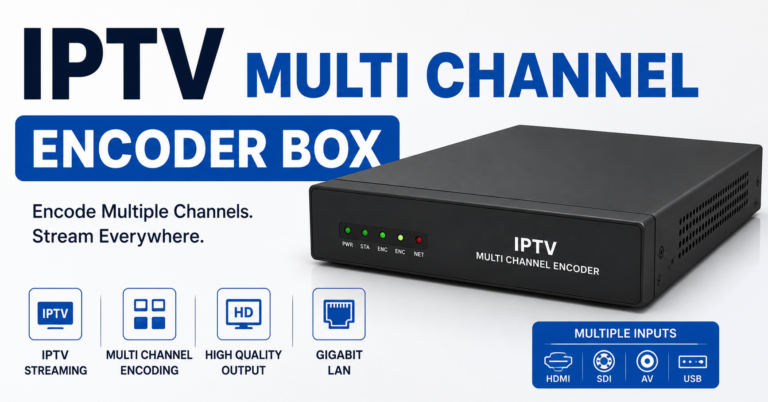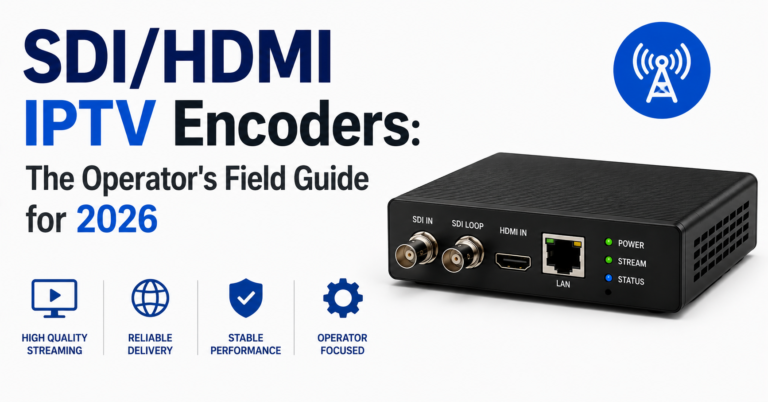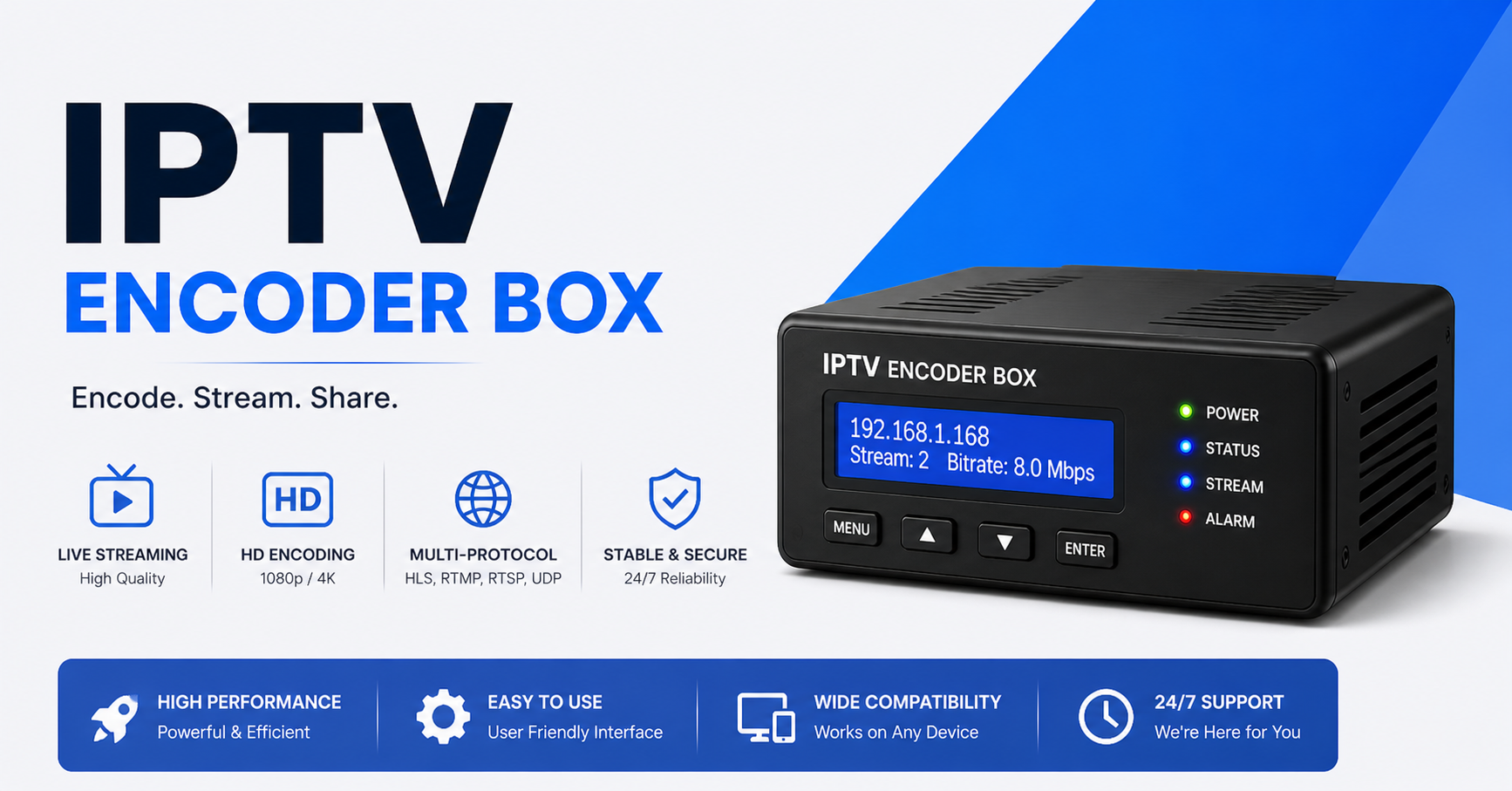
IPTV Encoder Box Guide: What UK Resellers Need to Know in 2026
There’s a conversation that happens constantly in reseller Telegram groups and Discord servers, usually at 2am during a major sports event. Streams are dropping. Customers are screaming. The panel looks fine. The server load looks fine. And yet, buffering.
Nine times out of ten, the problem isn’t the server. It’s the encode.
The IPTV encoder box is the most under-discussed piece of infrastructure in the entire reseller chain. Providers obsess over uplinks and CDNs. Resellers obsess over panels and pricing. But the hardware sitting between a live source and your delivery network, that’s where streams either survive or collapse under pressure.
If you’re running a UK IPTV reseller operation in 2026, understanding what an IPTV encoder box actually does, and what separates a capable unit from a liability, is no longer optional. This is the breakdown operators actually need.
What an IPTV Encoder Box Actually Does at the Signal Level
Strip away the marketing language and an IPTV encoder box performs one core function: it takes a raw video input (HDMI, SDI, or composite) and converts it into a streamable format that your delivery network can carry at scale.
That means transcoding from high-bitrate source material (often uncompressed or lightly compressed) into H.264 or H.265 outputs, wrapped in transport protocols like HLS, RTMP, or SRT. The box handles the computational weight of that conversion in real time, continuously, without dropping frames.
What makes this hard isn’t the concept. It’s the sustained execution. A cheap encoder might handle one or two channels cleanly during low-traffic periods. Put it under a concurrent load of 200+ viewers during a premium sports stream and you’ll see exactly where the corners were cut, in dropped I-frames, in latency spikes, in audio sync failures that your panel will never flag.
Pro Tip: Don’t evaluate an IPTV encoder box under idle conditions. Stress-test it at 80-90% of your anticipated peak viewer load for at least 45 minutes continuously. That’s when thermal throttling, buffer overflow, and memory leaks become visible.
H.264 vs H.265: Which Codec Actually Matters for Your Reseller Setup
Most IPTV encoder box models sold to mid-tier resellers in 2026 support both H.264 and H.265 (HEVC). But the codec choice has downstream consequences that directly affect your costs and your customer experience.
H.264 remains the safer default. It’s universally compatible across MAG boxes, Android sticks, Smart TVs, and iOS devices. Encoding overhead is lower, which means less processing demand on the hardware and more headroom during concurrent stream spikes.
H.265 cuts bandwidth consumption by roughly 30-40% at equivalent visual quality. That matters enormously if you’re running a high channel-count operation where uplink costs are a real expense line. The tradeoff is compatibility. Older devices struggle with HEVC decode, and you’ll see more customer complaints from legacy hardware users.
The smart approach: run H.264 as your primary delivery format and use H.265 selectively for archival streams or VOD content where device compatibility is more controlled.
Here’s a quick side-by-side of where each codec actually earns its place:
| Feature | H.264 | H.265 |
|---|---|---|
| Device Compatibility | Near-universal | Limited on older devices |
| Bandwidth Efficiency | Baseline | ~35% better |
| Encoder CPU Load | Lower | Higher |
| Buffering Risk at Peak | Lower | Moderate |
| Best For | Live streams, broad audience | VOD, controlled device sets |
Why Cheap Boxes Destroy Your Reputation Before You Scale
This is where operators learn expensive lessons. A budget IPTV encoder box, typically priced under $150 from generic Chinese hardware suppliers, will function during testing. It will pass your initial quality checks. It will probably run fine for three weeks.
Then you hit a concurrent peak. A major event. Three hundred customers hitting the same stream simultaneously. And the box starts dropping B-frames, the audio drifts two seconds behind the video, or the RTMP output simply dies mid-broadcast.
The damage isn’t just technical. It’s reputational. Customers don’t know what an encoder is. They know the stream broke. They open a chargeback. They leave a negative review. They tell the group chat.
Cheap hardware doesn’t just cause technical failures. It causes customer churn at exactly the moment you’re trying to build loyalty.
Look for encoders with dedicated hardware encoding chips (Intel QSV, NVIDIA NVENC, or dedicated ASICs) rather than pure software encoding on generic ARM processors
Verify that the unit has genuine fan-controlled thermal management. Passive cooling collapses under sustained load
Check whether the manufacturer has a firmware update track record going back at least 18 months
Prioritise units that expose stream health metrics via API or web dashboard. Blind operation is a liability
The ISP Blocking Problem and How Your Encoder Fits Into It
AI-driven ISP detection has matured significantly through 2025 and into 2026. Major ISPs in the UK and EU are no longer relying solely on destination IP blacklists. They’re running deep packet inspection that can identify IPTV stream signatures by bitrate pattern, packet timing, and transport header characteristics.
This is where your IPTV encoder box configuration becomes a defensive tool, not just a quality one.
Encoding at non-standard bitrates, varying GOP (Group of Pictures) structure, and outputting over SRT with encryption rather than plain RTMP makes your stream traffic look less like a pattern and more like generic encrypted data. This doesn’t make you invisible, but it raises the detection cost for automated systems.
Pro Tip: Configure your IPTV encoder box to output via SRT with AES-128 encryption as your primary delivery method to edge servers. RTMP is increasingly pattern-recognisable by deep packet inspection systems. SRT gives you both encryption and built-in packet loss recovery, two problems solved at once.
Backup uplink integration is equally important here. If your primary encoded output path gets throttled or blocked at the ISP level, your IPTV encoder box needs to be configured with a secondary RTMP/SRT destination that routes through a different uplink, ideally on a different ASN. Single-path encoding is a single point of failure.
Panel Credits, Concurrency Limits, and What Your Encoder Has to Handle
Here’s a connection most resellers don’t make explicit: your panel’s concurrency limits and your encoder box’s output capacity are directly linked, and misalignment between them is a hidden source of buffering complaints.
If your IPTV reseller panel sells connections at 2 concurrent streams per account, and you have 500 active accounts, your theoretical peak concurrency is 1,000 simultaneous streams. Your encoder box, or your cluster of encoder boxes, needs to sustain that output without degradation.
Most mid-range IPTV encoder box units handle between 4 and 16 simultaneous output streams at 1080p. If you’re running a multi-channel operation at scale, you are not running one box. You are running a coordinated cluster, with load distribution handled either at the encoder level or at a transcoding middleware layer.
This is where the credit model of reseller panels becomes a hardware planning tool. Your channel count, your average concurrent connections per channel, and your peak-hour load profile should directly inform your encoder hardware procurement.
- Map your top 20 channels by concurrent viewer count during peak hours
- Identify which channels require live encode vs which can be re-streamed from an existing HLS source
- Size your IPTV encoder box deployment based on peak load plus a 25% headroom buffer
- Build redundancy in. Every encoder output path needs a warm standby
HLS Latency and the Real Cost of Getting It Wrong
HLS latency is one of those metrics that sounds like a backend concern but has very direct customer-facing consequences. Standard HLS operates with a 15 to 30 second latency window. Low-latency HLS (LL-HLS) can bring that down to 3 to 5 seconds. MPEG-DASH with low-latency profiles can go lower still.
Where does your IPTV encoder box fit? The box sets the segment duration and the manifest update frequency at the point of encode. If you’re using a box that defaults to 10-second segments and 3-segment buffers, you’re baked into 30-second latency before your CDN even touches the stream.
For most VOD and general entertainment content, this doesn’t matter. For live sports, which is the lifeblood of premium IPTV reselling, a 30-second delay is a customer complaint waiting to happen. Viewers compare streams. If a customer’s neighbour gets the goal 25 seconds earlier on a different service, you lose that customer.
Pro Tip: Configure your IPTV encoder box to output 1 to 2 second HLS segments for live sports channels. This requires a capable hardware encoder that can complete each segment encode within the segment duration. Cheap hardware cannot maintain this under load without dropping frames.
Here’s how the different latency profiles actually stack up in terms of what they’re realistically good for:
| Latency Profile | Segment Size | Use Case | Customer Impact |
|---|---|---|---|
| Standard HLS | 6 to 10 sec | General TV | Acceptable |
| Low-Latency HLS | 1 to 2 sec | Live Sports | Critical |
| MPEG-DASH LL | <1 sec | Sports Betting Adjacent | High demand |
| RTMP Direct | Sub-second | Studio/OB feeds | Reseller upstream only |
Scaling Your Encoder Infrastructure Without Rebuilding From Scratch
The mistake most resellers make when scaling is treating encoder hardware as a fixed asset rather than a modular layer. You buy one IPTV encoder box, it works fine at 50 customers, and then you grind through buffering issues all the way to 500 customers before reluctantly adding a second unit.
The smarter architecture treats encoding as a horizontal layer from day one.
Even when you’re small, build with the assumption that you will add encoder capacity in parallel units, not replace your single box with a bigger one. This means your output paths, your CDN routing, and your panel configuration should all be designed for multiple encoder sources from the beginning.
Software-defined transcoding platforms, running on dedicated bare-metal servers or GPU-equipped cloud instances, can complement or replace dedicated hardware IPTV encoder boxes as you scale. The economics shift: at low channel counts, dedicated hardware is cheaper. At high channel counts, software transcoding on rented compute can be more cost-efficient and dramatically more flexible.
The hybrid approach, dedicated IPTV encoder box hardware for your core 30 to 40 channels and software transcoding for overflow and secondary channels, is where most serious mid-tier operators land.
What Resellers Actually Get Wrong When Buying an Encoder
After working through real infrastructure failures, a pattern emerges. Most buying mistakes fall into the same three categories.
Prioritising channel count over output quality. A box that claims 32 simultaneous channel outputs at 1080p on a $200 price tag is not doing what you think it’s doing. Verify actual bitrate per channel, not just channel count.
Ignoring input source compatibility. An IPTV encoder box that only accepts HDMI input becomes a problem the moment your source feed arrives via SDI, IP input, or ASI. Verify input types match your actual signal chain before purchasing.
Buying without a support contract or firmware commitment. Hardware without ongoing firmware support is hardware that degrades over time. ISP blocking techniques evolve. Streaming protocol requirements shift. A box that can’t be updated is a box with a countdown clock on its operational life.
Always request a test period or a return window before committing to bulk encoder hardware purchases
Cross-reference user reviews specifically from IPTV UK reseller communities, not generic AV integrator forums
Verify that the management interface exposes stream health data you can monitor remotely
IPTV Encoder Box Reseller Success Checklist
Infrastructure validation:
Stress-tested your IPTV encoder box at 90% peak concurrent load before going live
Configured dual output paths (primary + warm standby) for every channel
Enabled SRT with AES encryption on all external-facing encode outputs
Verified HLS segment duration matches your latency requirements per channel type
Panel and capacity alignment:
Mapped your peak concurrency per channel to your encoder output capacity
Built in 25% headroom above your projected peak load
Assigned separate encoder resources to your top-performing channels
ISP blocking mitigation:
Output routed through varied ASNs on primary and backup paths
GOP structure and bitrate profiles varied from default presets
Monitoring in place for stream signature pattern detection
Scaling readiness:
Encoder layer architected for horizontal expansion without full rebuild
Identified threshold at which software transcoding becomes more cost-effective than additional hardware
Documentation maintained for all encoder configuration profiles
Customer experience protection:
Audio sync monitoring enabled on all live encode channels
Frame drop alerting configured with automatic failover to backup encode path
Latency profile matched to content type. Low-latency for live sports, standard for general entertainment
The IPTV encoder box is not a glamorous piece of kit. It doesn’t get discussed in the same breath as panel features or uplink speeds. But it sits at the exact centre of your stream quality. Everything upstream of it, your source, your content licensing arrangements, your provider relationships, and everything downstream of it, your CDN, your panel, your customer devices, depends on what that box produces under pressure.
Get it right and your operation runs quietly. Get it wrong and you find out at the worst possible moment.