The Night Everything Went Dark — And What It Taught Me About Server Stability
There’s a particular silence that follows a server crash during a live football final. Not on the screen — that’s just black. The silence comes from your phone. For about ninety seconds, nobody messages you. They’re refreshing. They’re restarting apps. They’re convinced it’s their Wi-Fi.
Then the flood hits.
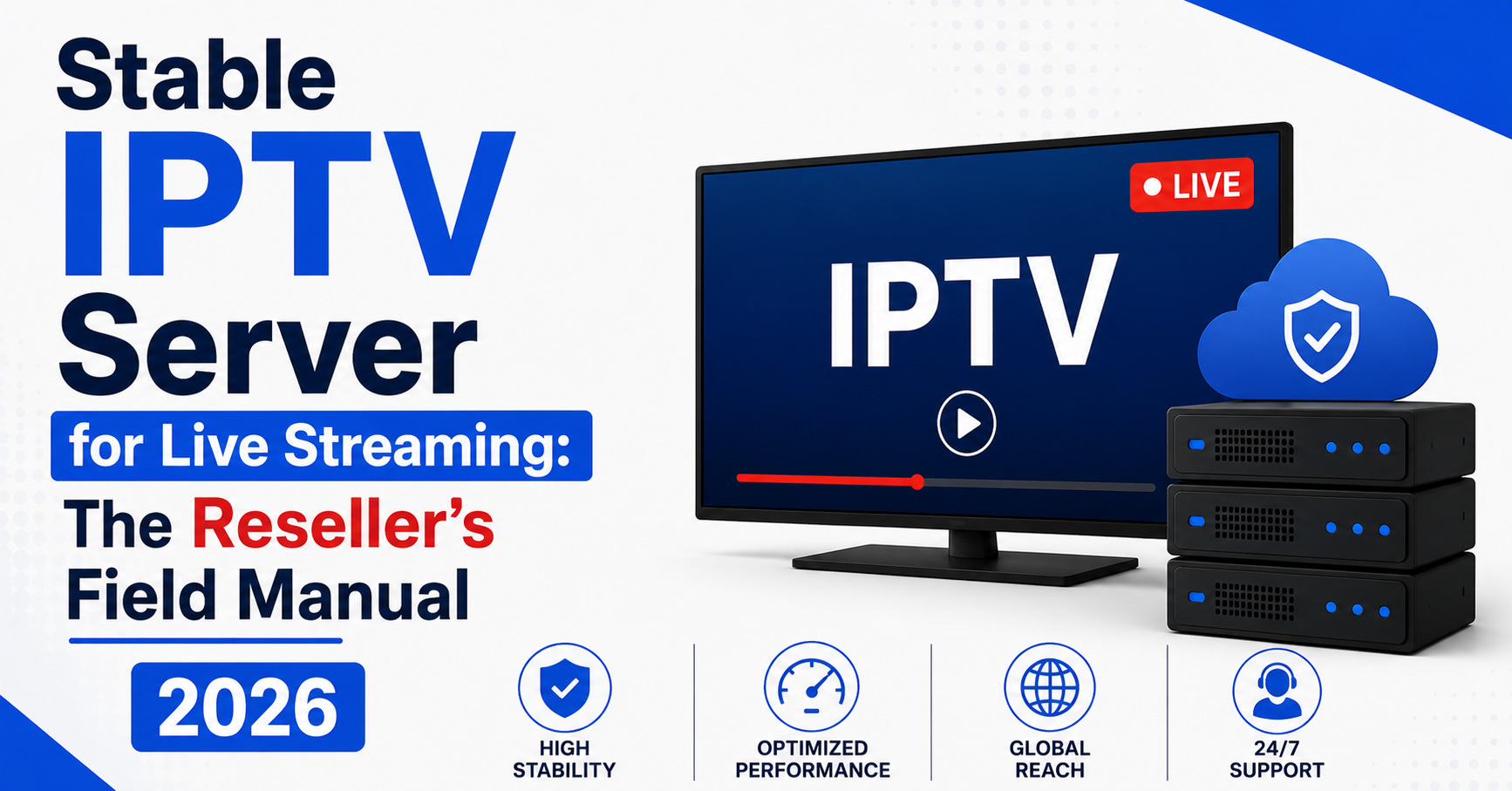
Every reseller who’s been in this game long enough knows that moment. And every one of them eventually arrives at the same conclusion: a stable IPTV server for live streaming isn’t a luxury line item on your infrastructure budget. It’s the entire foundation beneath your business.
This article isn’t going to sell you on the concept of stability. You already know what instability costs — lost subscribers, refund demands, panel credits wasted on customers who never come back. What we’re going to do instead is break apart every layer of what makes a server genuinely stable during the moments that matter most, and give you the operator-level knowledge to evaluate, build, and maintain infrastructure that holds.
Whether you’re running a small family-focused panel or managing hundreds of UK IPTV reseller lines, the mechanics of a stable IPTV server for live streaming remain the same. The scale changes. The physics don’t.
What “Stable” Actually Means When Thousands Are Watching Simultaneously
Stability isn’t uptime. That’s the first misconception worth killing. A server can report 99.9% uptime on your monitoring dashboard and still deliver unwatchable streams during a Premier League weekend. Uptime measures whether the machine is responding to pings. Stability measures whether it can serve 4,000 concurrent HLS segments without frame drops, rebuffering, or audio desync.
A truly stable IPTV server for live streaming maintains consistent bitrate delivery under variable load. It handles connection spikes without queuing requests. It resolves DNS lookups internally fast enough that channel switching feels instant rather than sluggish.
Pro Tip: Ask your server provider for peak-hour packet loss rates, not monthly uptime percentages. A provider showing 0.02% packet loss at 2 AM means nothing if it spikes to 1.8% at 8 PM on a Saturday.
The distinction matters because resellers often choose infrastructure based on the wrong metric. They compare uptime guarantees, storage capacity, and monthly bandwidth allocations — none of which tell you how the machine behaves when it’s under real concurrent streaming pressure.
The Anatomy of a Server Crash During Live Events
Server failures during live streaming rarely happen because of a single catastrophic fault. They cascade. Understanding the cascade is how you prevent it.
Here’s the typical sequence:
- T-minus 10 minutes: Subscribers begin connecting ahead of a major event. Connection count climbs steadily. CPU utilisation rises but stays manageable.
- T-zero (kickoff): Connection requests spike by 300–600% in under two minutes. The server’s connection handler begins queuing.
- T-plus 3 minutes: Queued connections cause HLS segment delivery delays. Streams begin buffering. Subscribers disconnect and immediately reconnect, doubling the load.
- T-plus 6 minutes: RAM fills as the server tries to serve cached and live segments simultaneously. Swap space activates. Performance collapses.
- T-plus 8 minutes: Server becomes unresponsive. Panel shows all lines offline.
A stable IPTV server for live streaming is one that’s engineered to break this cascade at stage two — before the queue ever forms. That requires a combination of hardware provisioning, software tuning, and network-level load distribution that most budget providers simply don’t offer.
Hardware Specifications That Separate Survivors From Casualties
Not every server is built for live streaming workloads. A machine that comfortably hosts websites or file storage will buckle under IPTV demands. The read/write patterns are fundamentally different, and the tolerance for latency is measured in milliseconds, not seconds.
| Specification | Budget Infrastructure | Stable IPTV Server for Live Streaming |
|---|---|---|
| CPU | Shared vCPU, 2–4 cores | Dedicated cores, 8+ threads, high clock speed |
| RAM | 4–8 GB, often shared | 32 GB+ dedicated, ECC memory |
| Storage | HDD or slow SSD | NVMe SSD with high IOPS |
| Network | 1 Gbps shared port | 10 Gbps dedicated with DDoS mitigation |
| Uplink | Single provider | Multiple transit providers with failover |
| Location | Single datacentre | Multi-region with geographic load balancing |
The difference isn’t subtle. Budget infrastructure collapses under the exact conditions that define your peak revenue hours. A stable IPTV server for live streaming treats those hours as the baseline design target, not an edge case.
Pro Tip: ECC (Error-Correcting Code) memory doesn’t just prevent crashes — it prevents the kind of silent corruption that causes random stream glitches your subscribers can’t explain and you can’t reproduce.
Why Multi-Uplink Architecture Isn’t Optional Anymore
In 2024, a single upstream provider was a risk. In 2026, it’s negligence.
AI-driven ISP blocking has changed the enforcement landscape entirely. Major internet service providers across the UK and Europe now deploy machine learning classifiers that identify IPTV traffic patterns in real time. These systems don’t rely on static URL blocklists. They analyse packet signatures, DNS resolution behaviour, connection frequency, and traffic volume patterns to flag and throttle streams dynamically.
A stable IPTV server for live streaming in this environment needs at minimum two independent upstream transit providers with automatic failover. When one path gets flagged or throttled, traffic reroutes without subscriber interruption. Your customers don’t see a loading icon. They don’t even notice.
- Configure BGP sessions with at least two transit providers in different AS networks
- Implement real-time latency monitoring on each uplink with automatic failover triggers
- Rotate DNS resolution endpoints weekly to avoid pattern recognition by ISP classifiers
- Use encrypted transport layers on all uplinks — unencrypted streams are trivially identified
DNS poisoning remains one of the most common disruption methods used against IPTV infrastructure. If your stable IPTV server for live streaming relies on public DNS resolvers, you’re handing enforcement agencies a single point of failure. Run private recursive DNS internally, and consider DNS-over-HTTPS as a secondary resolution path.
Load Balancing: The Skill Most Resellers Never Learn
Here’s an uncomfortable truth about the IPTV reseller market: most resellers treat their panel as the entire business. They buy credits, assign lines, and consider their job done. Infrastructure is somebody else’s problem — until it isn’t.
Load balancing is where a stable IPTV server for live streaming earns its reputation. Without it, every subscriber connects to the same endpoint. With it, connections distribute across multiple backend servers based on real-time capacity, geographic proximity, or weighted algorithms.
Pro Tip: Round-robin DNS is not load balancing. It distributes connections evenly regardless of server health. If one backend is overloaded and another is idle, round-robin doesn’t care. Use health-check-aware load balancers — HAProxy or Nginx with upstream health monitoring — that remove struggling nodes automatically.
There are three load balancing models worth understanding as a reseller evaluating providers:
- Geographic balancing routes subscribers to the nearest server cluster, reducing latency and improving channel switch speed. Essential for providers serving both UK and European markets.
- Capacity-weighted balancing sends new connections to whichever backend has the most headroom. This prevents the “one server on fire, three servers idle” problem during live events.
- Session-persistent balancing keeps a subscriber on the same backend for the duration of their viewing session, preventing mid-stream handoff glitches.
The best configurations for a stable IPTV server for live streaming combine all three — geographic preference first, capacity weighting second, session persistence as the tiebreaker.
HLS Latency and Why Your Subscribers Blame You for It
When a subscriber complains that their stream is “behind,” they’re describing HLS latency — and they’re blaming you for something that’s partially architectural and partially tuneable.
Standard HLS delivery uses segmented video files, typically 4–6 seconds each. The player buffers two to three segments before playback begins. This means a subscriber is inherently 10–18 seconds behind true real-time. That’s fine for films. It’s a disaster during live sport, where a neighbour’s cheer arrives before the goal loads on screen.
A stable IPTV server for live streaming should be configured for low-latency HLS (LL-HLS) or equivalent segmenting protocols that reduce segment duration to 1–2 seconds and pre-push partial segments. This brings effective latency down to 3–6 seconds — close enough that subscribers stop complaining.
| Parameter | Standard HLS | Low-Latency HLS |
|---|---|---|
| Segment Duration | 4–6 seconds | 1–2 seconds |
| Buffer Depth | 2–3 segments | 1–2 partial segments |
| Effective Latency | 10–18 seconds | 3–6 seconds |
| Server CPU Impact | Moderate | Higher (more frequent encoding) |
| Subscriber Satisfaction | Complaints during live events | Minimal latency-related churn |
The tradeoff is CPU overhead. Low-latency segmenting requires more frequent encoding passes, which means your stable IPTV server for live streaming needs the processing headroom discussed earlier. This is another reason budget hardware fails — it can’t sustain LL-HLS under concurrent load.
The Customer Churn Problem Nobody Talks About Publicly
Resellers obsess over acquisition. New subscribers, new resellers under their panel, new credit packages. Growth feels productive. But the metric that determines whether your business survives twelve months isn’t acquisition — it’s retention.
And retention in IPTV is governed almost entirely by stream reliability.
A subscriber who experiences buffering during two consecutive live events won’t complain a third time. They’ll simply stop renewing. No message. No refund request. They vanish. And because most panel dashboards don’t track renewal drop-off by viewing experience, you never connect the disappearance to the infrastructure failure that caused it.
A stable IPTV server for live streaming doesn’t just prevent buffering. It prevents the invisible bleed of subscribers who leave without telling you why. That silent churn is the single largest revenue leak in the reseller business, and the only reliable fix is infrastructure that performs when it matters.
Pro Tip: Track your renewal rate in the 48 hours following every major live event. If it dips by more than 3% compared to non-event weeks, your server stability is costing you more than you think.
Panel Credit Economics and the Infrastructure Trap
Here’s where the maths gets uncomfortable. A reseller buys 100 credits at a bulk rate. Each credit activates a subscriber line for one month. If the underlying server — the one delivering the actual streams — crashes during a major event, those subscribers demand extensions, replacements, or refunds.
The reseller eats that cost. Not the provider. The reseller.
This is why a stable IPTV server for live streaming is fundamentally a financial decision, not just a technical one. The cheapest panel credits come from providers running thin margins on overloaded hardware. The arithmetic looks attractive until your first major event failure wipes out a month of profit in refund credits.
- Calculate your average credit cost per subscriber per month
- Estimate your refund/extension rate after server failures (typically 8–15% of active lines)
- Compare the monthly cost difference between budget and premium infrastructure
- Factor in silent churn losses from the retention section above
In nearly every realistic scenario, paying 20–30% more for infrastructure backed by a genuinely stable IPTV server for live streaming costs less than the subscriber losses from a single bad weekend.
Scaling From 50 Lines to 5,000 Without Rebuilding Everything
Scaling an IPTV reseller operation isn’t linear. The jump from 50 to 200 subscribers feels manageable — same server, slightly higher load. The jump from 200 to 1,000 breaks everything you thought was working.
At scale, a stable IPTV server for live streaming requires architectural changes, not just bigger hardware:
- Connection management shifts from “let the OS handle it” to active session management with connection pooling and timeout enforcement
- Monitoring evolves from “check the panel dashboard” to real-time Grafana boards tracking per-stream bitrate, segment delivery time, and error rates per backend
- Redundancy becomes non-negotiable — no single server handles production traffic without a standby ready to absorb its load within seconds
- Panel segmentation means splitting your subscriber base across multiple server clusters so a failure in one cluster doesn’t take down your entire operation
Most resellers who fail at scaling do so because they treated their early infrastructure as permanent. A stable IPTV server for live streaming at 50 subscribers is a very different machine from one serving 5,000 — and the transition needs to be planned before your subscriber count forces it.
Pro Tip: Start segmenting your subscriber base across server clusters at 500 lines, not 5,000. The migration is ten times harder under pressure than it is during a quiet Tuesday afternoon.
Backup Uplink Servers: Your Insurance Policy Against Blackouts
A backup uplink server isn’t a spare tyre you hope to never use. It’s infrastructure that should be warm, tested, and ready to absorb traffic within seconds of a primary failure.
The difference between a provider with backup uplinks and one without becomes visible precisely once — during the event that takes your primary down. If you’ve invested in a stable IPTV server for live streaming but neglected the uplink redundancy behind it, you’ve built a fortress with one door and no fire escape.
Effective backup uplink configuration includes:
- Warm standby servers that receive a small percentage of live traffic at all times (5–10%), keeping caches populated and connections warm
- Automated health checks every 30 seconds on primary uplinks with instant failover scripting
- Geographic diversity — backup uplinks should be in different datacentres, ideally different cities
- Independent transit providers on backup paths to avoid shared-failure scenarios
The 2026 enforcement landscape makes this doubly important. When an ISP blocks a primary uplink path, the backup path — running through a different transit provider and IP range — continues serving streams while you resolve the primary. Your subscribers experience a brief hiccup at worst. Your competitor’s subscribers see a black screen for forty-five minutes.
Reading ISP Blocking Patterns Before They Hit Your Server
AI-driven ISP enforcement in 2026 doesn’t operate randomly. It follows detectable patterns that experienced operators can anticipate and mitigate — not by evading enforcement, but by building infrastructure resilient enough that disruptions don’t cascade into full outages.
A stable IPTV server for live streaming operated by someone who understands these patterns will:
- Distribute traffic across multiple IP ranges to avoid triggering volume-based classifiers
- Rotate server endpoints on scheduled intervals rather than waiting for blocks to occur
- Monitor third-party blocking databases to detect when IP ranges in their subnet are being flagged
- Maintain encrypted transport on all streams as a baseline, not an afterthought
The providers who survive enforcement waves aren’t the ones who hide. They’re the ones who build infrastructure that adapts faster than enforcement scales. That adaptability is a core feature of any stable IPTV server for live streaming worth investing in.
Frequently Asked Questions
How many concurrent streams can a stable IPTV server for live streaming realistically handle?
It depends on hardware and configuration, but a properly provisioned dedicated server with 32 GB RAM, NVMe storage, and a 10 Gbps port can comfortably handle 3,000–5,000 concurrent streams at standard bitrates. The bottleneck is usually network throughput, not CPU. Low-latency HLS configurations reduce that ceiling by roughly 20% due to increased encoding overhead. Always load-test before committing to subscriber capacity promises.
Does using a VPN on the subscriber side affect server stability?
VPN usage on the subscriber’s device doesn’t impact server stability directly, but it can introduce additional latency and reduce effective throughput, causing buffering that subscribers attribute to your service. A stable IPTV server for live streaming performs identically regardless of client-side VPN use, but subscribers should be advised to use nearby VPN endpoints to minimise added latency.
What is DNS poisoning and how does it affect IPTV servers?
DNS poisoning occurs when an ISP or enforcement body manipulates DNS responses so that your server’s domain resolves to an incorrect or blocked IP address. Subscribers trying to connect get redirected or receive an error. Running private recursive DNS on your server infrastructure and implementing DNS-over-HTTPS as a secondary path eliminates this vulnerability entirely.
Can I run a stable IPTV server for live streaming on a VPS instead of a dedicated server?
VPS hosting uses shared resources, meaning your server’s performance fluctuates based on what other tenants are doing on the same physical machine. During peak hours — exactly when you need stability most — VPS performance degrades unpredictably. For anything beyond 100 concurrent subscribers, a dedicated server is the minimum viable option for maintaining stream quality.
How often should backup uplink servers be tested?
Test failover to backup uplinks at least twice per month during non-peak hours. Automated health checks should run every 30 seconds, but full failover simulation — where you deliberately disable the primary and verify subscribers continue streaming through the backup — should be a scheduled maintenance task. Untested backups are unreliable backups.
What’s the biggest mistake new IPTV resellers make with server infrastructure?
Choosing providers based on credit pricing alone without evaluating the underlying stream delivery infrastructure. The cheapest credits almost always run on oversubscribed hardware that fails during peak events. A stable IPTV server for live streaming costs more per credit but delivers dramatically higher subscriber retention and lower refund rates, making it more profitable within three months.
Is it worth investing in geographic load balancing for a UK-only subscriber base?
Yes. Even within the UK, routing subscribers to the nearest server cluster reduces latency by 15–30 milliseconds on average. That difference directly impacts channel switching speed and initial stream load time. Geographic balancing also provides resilience — if a London datacentre experiences issues, subscribers automatically route to a Manchester or Amsterdam node.
How does AI-driven ISP blocking differ from traditional URL-based blocking?
Traditional blocking relied on static lists of known domains and IP addresses. AI-driven blocking in 2026 analyses real-time traffic patterns, packet signatures, and connection behaviour to identify IPTV traffic even when domains and IPs change. This makes infrastructure resilience and multi-uplink architecture far more important than simple domain rotation strategies that worked in previous years.
The Reseller’s Stability Checklist: What to Do This Week
This isn’t a wishlist. These are the actions that separate resellers who survive event weekends from those who spend Monday issuing refunds.
- Audit your current server’s peak-hour performance. Request packet loss and latency data from your provider during the last three Saturday evenings. If they can’t provide it, that’s your answer.
- Confirm multi-uplink redundancy. Ask your provider how many independent transit providers serve your server. If the answer is one, begin evaluating alternatives immediately.
- Test your backup infrastructure. Deliberately fail over to your backup server during a quiet weekday and verify streams continue without interruption. If you don’t have a backup server, that’s your first investment.
- Switch to private DNS resolution. Stop relying on public resolvers. Configure recursive DNS internally on your infrastructure and add DNS-over-HTTPS as a fallback.
- Implement connection monitoring. Set up real-time tracking of concurrent connections, segment delivery time, and per-stream bitrate. Grafana with Prometheus exporters is the standard stack.
- Segment your subscriber base. If you’re running more than 500 lines on a single server cluster, begin splitting across multiple backends with health-aware load balancing.
- Calculate your true cost of instability. Add up credits lost to refunds, extensions issued, and estimated silent churn over the past 90 days. Compare that figure against the cost of upgrading to a stable IPTV server for live streaming.
- Review your panel provider’s infrastructure transparency. If they won’t tell you where their servers are located, what hardware they run, or how they handle failover — they’re hiding something you need to know.
For a deeper look at IPTV reseller Panel infrastructure strategies, panel credit economics, and scaling guides, visit British Reseller — built by operators, for operators.