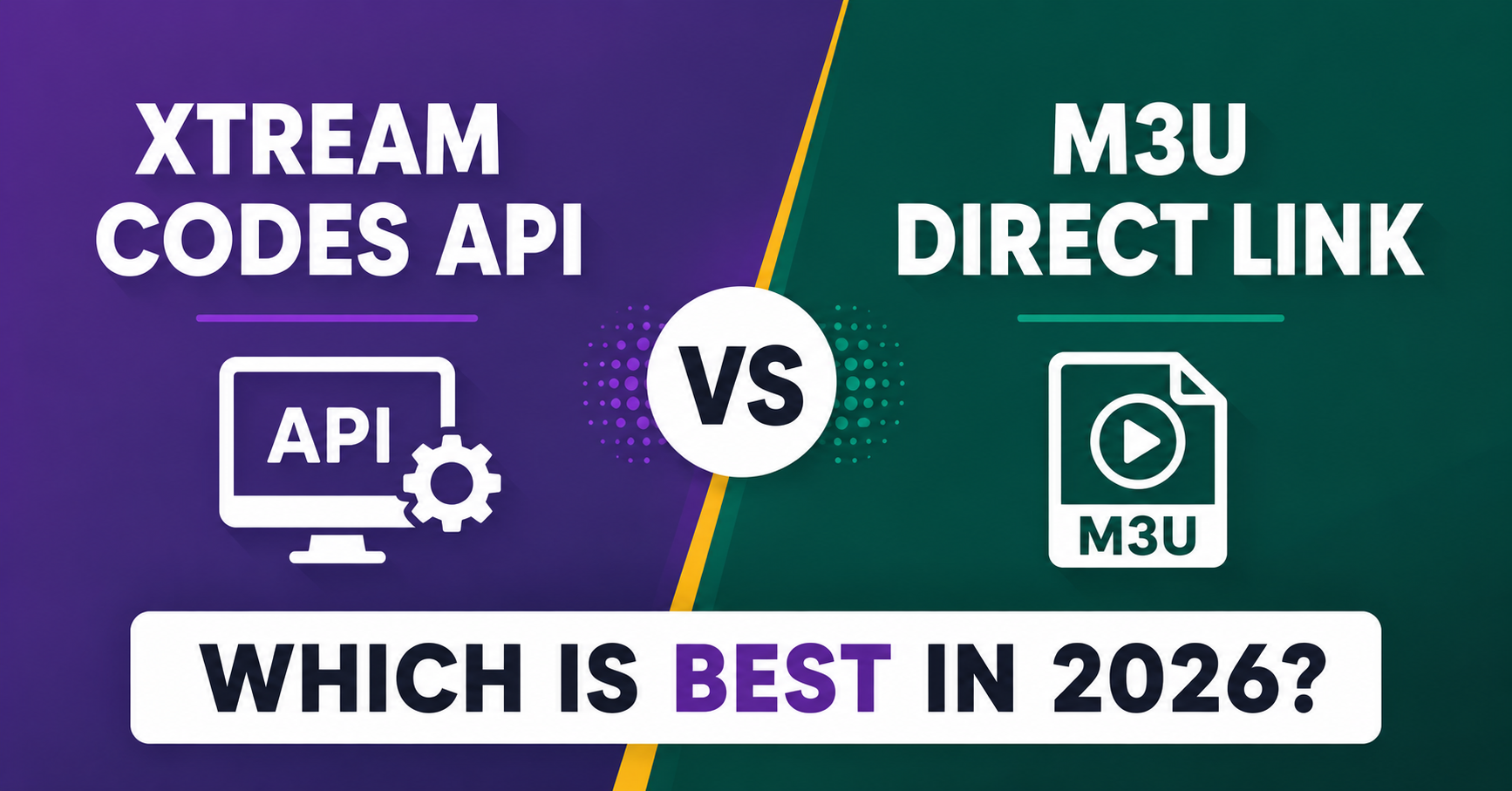
If you’re trying to decide between Xtream Codes API vs M3U Direct Link, the short answer is that Xtream Codes API gives you a structured login (server, username, password) with built-in EPG and category sorting, while an M3U Direct Link is a single playlist URL that’s simpler but less flexible to manage. Neither is “better” in every case, since it depends on whether you want easier day-to-day control or a quicker, no-frills setup. The rest of this guide breaks down exactly when each one makes sense.
What Is the Real Difference Between These Two Connection Types?
Both methods deliver the same thing in the end: live channels and on-demand content on your screen. The difference is in how the app talks to the server behind the scenes.
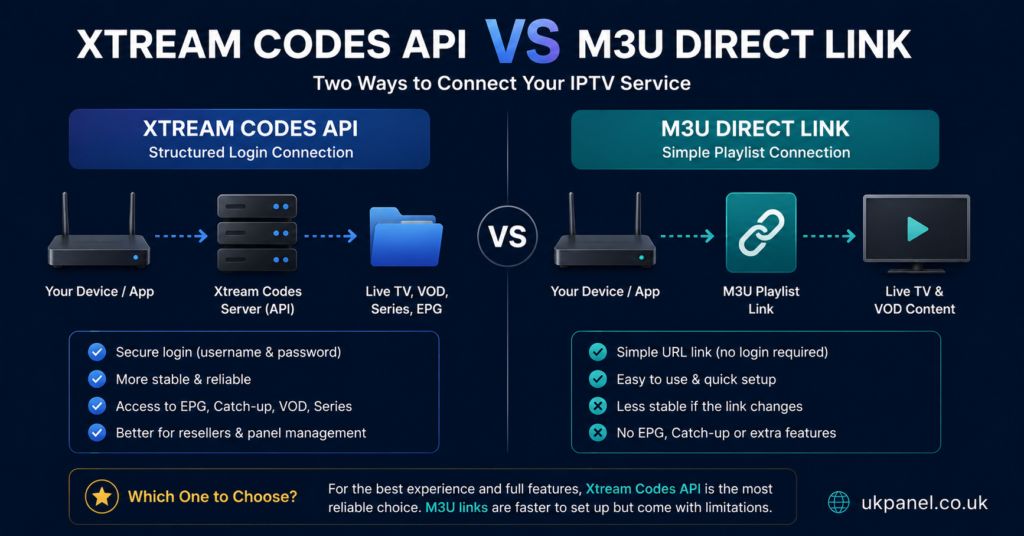
An Xtream Codes API connection asks you for three pieces of information: a server URL, a username, and a password. The app then communicates with the panel in real time, pulling channel lists, electronic programme guide (EPG) data, and video-on-demand categories as structured data. This is why apps like IPTV Smarters Pro or TiviMate can show neat category folders, search functions, and cover art when you’re connected this way.
An M3U Direct Link, by contrast, is a single web address that points to a plain text playlist file. When you paste that link into a player, the app downloads the whole list in one go and displays it. There’s no ongoing back-and-forth conversation with the server for things like EPG unless a separate EPG URL is added manually.
Xtream Codes API vs M3U Direct Link: Side-by-Side Comparison
The table below sets out the practical differences without favouring either method, since the right choice depends on the device, the app, and how the account is being used.
| Factor | Xtream Codes API | M3U Direct Link |
|---|---|---|
| Setup information needed | Server, username, password | Single playlist URL |
| EPG handling | Usually built in automatically | Often needs a separate EPG link |
| App compatibility | Wide, especially modern apps | Very wide, including older players |
| Ease of updating channels | Panel-side changes reflect instantly | May need the link re-entered |
| Visual organisation | Category folders, cover art | Depends on the player’s own formatting |
How Xtream Codes API Connections Actually Work Day to Day
Once the credentials are entered, the app checks in with the server each time it’s opened, so any changes made on the IPTV reseller panel, such as a new channel group, an updated VOD title, or an account extension, show up without the subscriber having to do anything. This live-sync behaviour is the main practical advantage.
It also tends to load faster on devices with limited processing power, since the app only pulls the categories the user is currently browsing rather than the entire list at once.
Pro tip: If a subscriber reports that new channels aren’t showing, the first thing to check is whether they’re using an Xtream Codes API login rather than a cached M3U file, since cached playlists don’t always refresh automatically.
How M3U Direct Link Playlists Work in Practice
An M3U file is essentially a list of stream addresses with basic labels attached. Some players cache this list locally after the first load, which means it can display slightly faster on repeat opens, but it also means any changes on the server side won’t appear until the playlist is refreshed or re-imported.
This method is popular with people who prefer using generic, non-branded players, or who are connecting a device that doesn’t support Xtream Codes API natively. Many smart TV apps and older set-top boxes only accept an M3U URL.
Which Option Suits Subscribers Better?
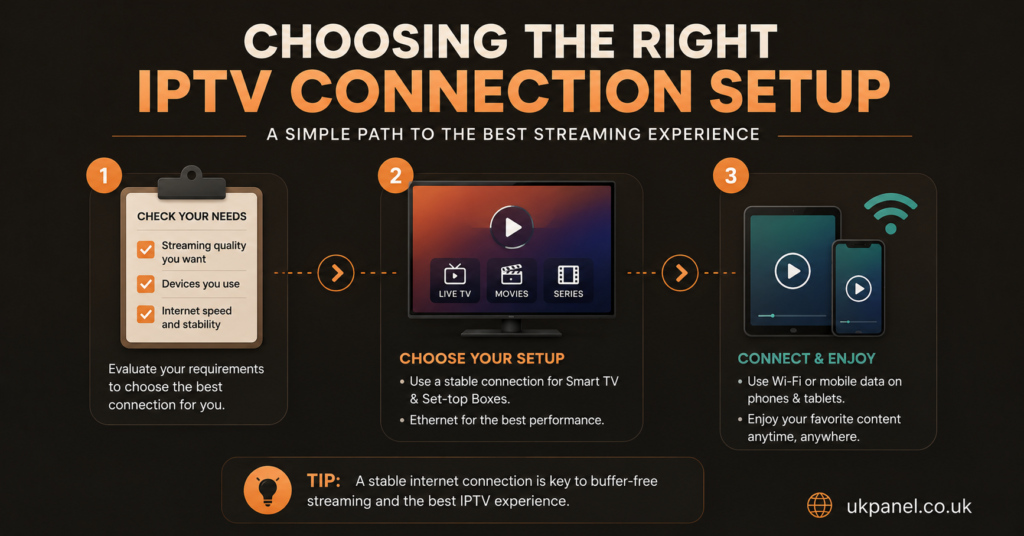
For most subscribers, the deciding factor is the app they’re already using and how much control they want. If channels and VOD content are updated regularly and you want those updates to appear without re-entering anything, Xtream Codes API is generally more convenient. If you’re using a basic player on an older device, or you’ve been given a straightforward playlist link by your provider, M3U Direct Link will usually work without complications.
It’s worth checking with your provider what device limits, refund terms, and support channels apply either way, since the connection type itself doesn’t change those terms. A provider such as Skip This, for example, might offer both connection types, but the underlying account conditions, such as refund window, number of allowed connections, and support responsiveness, matter more than which login method is used.
What Resellers Should Consider When Choosing a Connection Type
From the panel side, most UK IPTV reseller dashboards generate both an Xtream Codes API login and an M3U link automatically for every account created, so this isn’t usually an either-or decision at the business level. What matters more is which one you recommend to which customer, based on their device and technical comfort.
Customers who ask a lot of support questions about “channels not updating” are often better served by Xtream Codes API, since it reduces the number of manual re-entry steps you’ll need to walk them through. Customers on older Smart TVs or generic boxes may only have the option to use M3U regardless of preference.
Pro tip: Keep a short note in your customer records showing which connection type each subscriber uses. It cuts down troubleshooting time significantly when a support ticket comes in.
Sub-Reseller Considerations
If you’re operating as a sub-reseller under a parent panel, check whether both connection types are generated automatically for every credit you activate, or whether one requires an extra step. Some parent panels restrict certain features, including EPG access or connection limits, differently depending on which method the end customer uses. Since your margin depends on customer retention, it’s worth testing both connection types yourself before recommending either one at scale.
Common Mistakes When Choosing Between Xtream Codes and M3U
| Mistake | Better Approach |
|---|---|
| Assuming M3U is always the simpler option | Test load times and EPG behaviour on the actual device first |
| Giving every customer the same connection type by default | Match the connection type to their app and device |
| Not documenting which login details were sent | Keep a simple record per customer to speed up support |
| Ignoring EPG setup for M3U users | Provide the separate EPG link if the player supports it |
Questions to Ask Before You Decide
| Question to Ask | Why It Matters |
|---|---|
| Which app or device will this run on? | Some apps only support one connection type |
| How often does the content library update? | Frequent updates favour Xtream Codes API |
| Does the player support a separate EPG URL? | Affects whether M3U will show a usable guide |
| What’s the provider’s refund and support policy? | Applies regardless of connection type chosen |
Legitimate Use and What Connection Type Doesn’t Tell You
It’s worth being clear that neither Xtream Codes API nor M3U Direct Link says anything about whether a service is properly licensed to distribute the content it carries. IPTV is a delivery technology, not a legal category. Whether a given service has the right to distribute particular content depends on the rights and agreements behind that specific provider, not on the connection method they use. When evaluating any provider, it’s more useful to look at business transparency, clear terms, refund conditions, and how content rights are described than at which login format is offered.
Visible FAQ
Is Xtream Codes API more secure than M3U Direct Link?
Neither method is inherently more or less secure on its own. Security depends more on how the provider manages its servers, connections, and account access than on the connection format itself.
Can I switch from M3U to Xtream Codes API without losing my subscription?
Usually yes, since most panels generate both connection types for the same underlying account. You’d typically just need to request the Xtream Codes API credentials from your provider and re-enter them in your app.
Why does my M3U playlist not show the programme guide?
M3U playlists don’t automatically include EPG data. You usually need to add a separate EPG URL in your player’s settings for the guide to populate.
Does one connection type use less data than the other?
Not significantly. Both stream the same video content once a channel is selected; the difference is mainly in how the channel list and metadata are loaded, not in the video stream itself.
Which connection type do most modern IPTV apps recommend?
Many current apps, including IPTV Smarters Pro and TiviMate, default to Xtream Codes API where it’s available, largely because it simplifies updates and category display, though both formats remain widely supported.