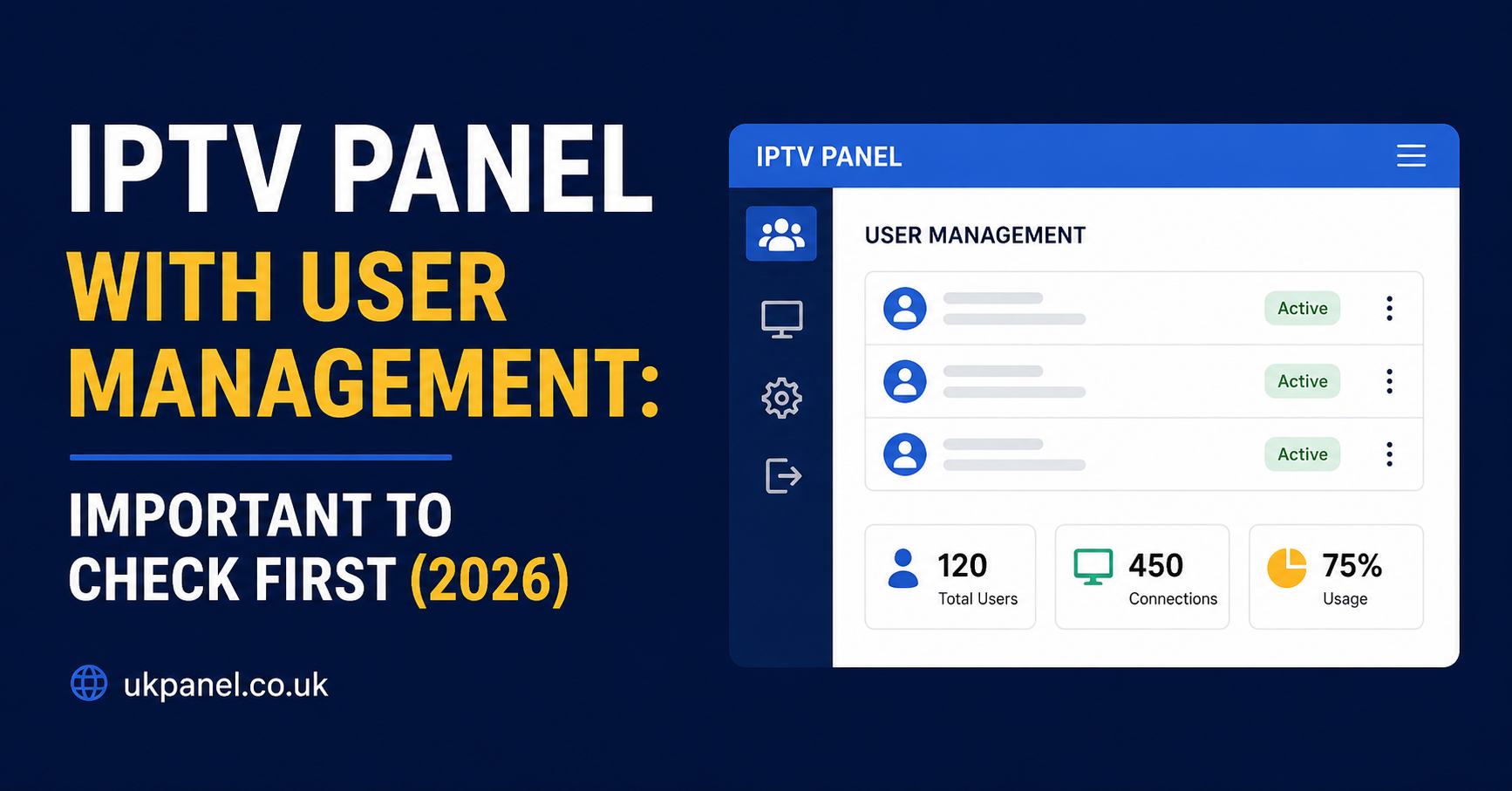
An IPTV panel with user management is a dashboard that lets a IPTV Panel reseller create, edit, suspend and monitor individual subscriber accounts from one screen, instead of handling each customer manually. The user management layer is what turns a bundle of streaming credits into an actual business tool: you can set connection limits, track expiry dates, generate trial accounts and see who is currently connected, all without touching the underlying server infrastructure. The quality of that layer, more than the channel count, is usually what separates a panel that scales smoothly from one that becomes a daily headache.
What “User Management” Actually Means in an IPTV Panel
The phrase gets used loosely, so it helps to be specific. In practice, user management covers everything you do to an individual subscriber account after it’s created: renewing it, changing its connection limit, resetting credentials, suspending it if a customer stops paying, and eventually letting it expire. A panel that only lets you add and delete accounts is offering the bare minimum. A panel built for a growing reseller business needs to support bulk actions, filtering by status, and a clear audit trail of who changed what.
This matters because customer volume changes what “manageable” looks like. Ten subscribers can be handled one at a time. Two hundred subscribers cannot, not without decent search, filters and bulk tools inside the dashboard.
Core Features to Expect From an IPTV Panel With User Management
Not every panel offers the same depth. Below is a realistic view of what separates a basic setup from one built for serious reseller volume.
| Feature | Basic Panel | Fuller-Featured Panel |
|---|---|---|
| Create and delete accounts | Yes | Yes, plus bulk creation |
| Connection limit per user | Fixed | Adjustable per account |
| Expiry and renewal tracking | Manual | Automated alerts |
| Live connection view | Not available | Real-time session view |
| Sub-reseller permissions | Not available | Tiered credit allocation |
Pro tip: Before committing credits to any panel, create three or four test accounts and try suspending, renewing and deleting them. If any of those actions require contacting support rather than a couple of clicks, factor that friction into your decision.
Account Creation and Connection Limits
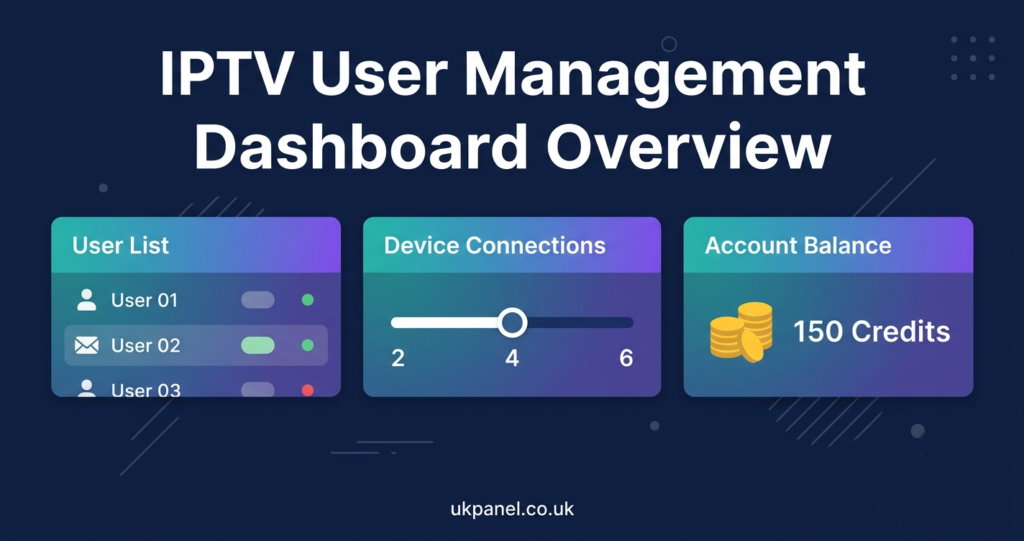
Creating a subscriber account through the panel typically deducts one credit and asks you to set a username, password, expiry period and connection limit. The connection limit is worth thinking about carefully rather than defaulting to whatever the panel suggests. A single-connection account suits one person on one device. A two-connection account suits a household, but it also increases the chance that credentials get shared beyond the paying customer, which creates support headaches later.
Some panels let you change the connection limit on an existing account without recreating it. Others force you to delete and rebuild the account, which wastes a credit. That single difference can matter a lot once you’re managing dozens of accounts a month.
Monitoring Active Connections and Spotting Problems Early
A live connections view shows which accounts are currently streaming, from what device type, and whether they’ve hit their connection limit. This is one of the more genuinely useful parts of user management, because it turns troubleshooting from guesswork into something you can actually see. If a customer reports buffering, checking whether their account is running two simultaneous streams on a one-connection plan is often the first thing worth ruling out, before assuming the problem is server-side.
Not every panel includes this. Some only show a static account list with no session detail. If real-time visibility matters to how you run your reseller dashboard, it’s worth confirming during any trial period rather than assuming it’s standard.
Bulk Actions and Sub-Reseller Permissions
Once you’re past a handful of customers, doing everything one account at a time slows you down. Look for the ability to renew multiple accounts together, export a customer list, or filter by expiry date so you can see who needs a renewal reminder this week. These aren’t glamorous features, but they’re the ones that save the most time month to month.
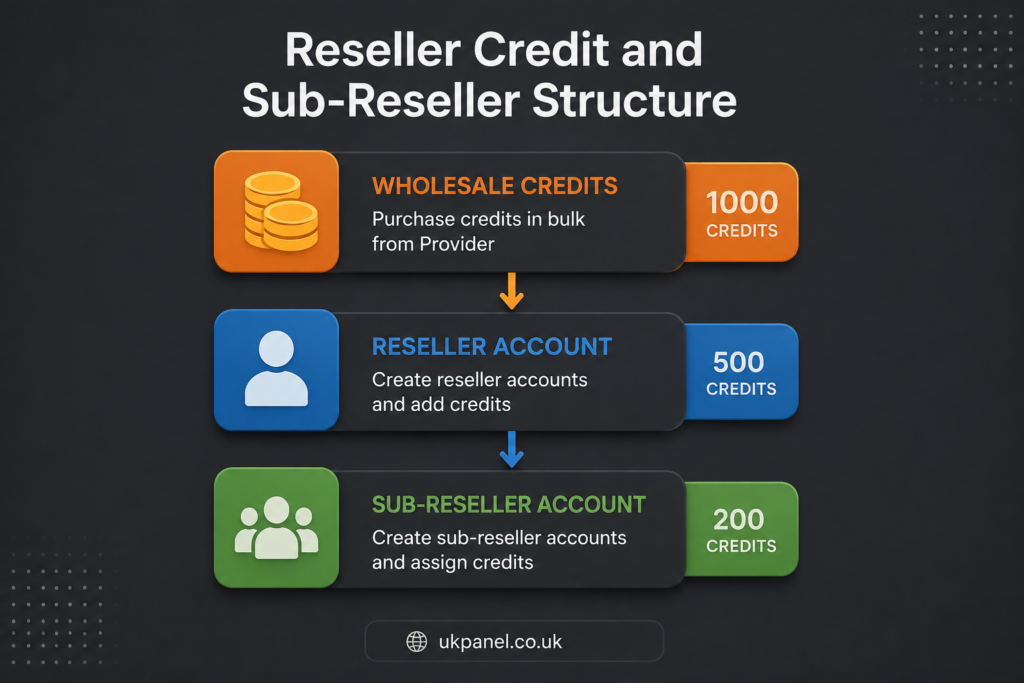
If you plan to bring on sub-resellers, permissions become their own consideration. A sub-reseller typically works from a portion of your credit balance and their own login, managing their own customers without seeing yours. Good panels let you cap how many credits a sub-reseller can draw and revoke access cleanly if the arrangement ends. Weaker setups blur that boundary, which can leave you exposed if a sub-reseller’s customer base overlaps awkwardly with your own account structure.
Reseller Dashboard Checklist: Questions Worth Asking
| Question to Ask | Why It Matters |
|---|---|
| Can I adjust a connection limit without deleting the account? | Saves credits and avoids rebuilding customer logins |
| Is there a live connections view? | Speeds up troubleshooting and spotting shared credentials |
| Can I bulk-renew or bulk-export accounts? | Essential once customer numbers grow past a handful |
| Are sub-reseller credit limits enforced automatically? | Prevents overspend and unclear account ownership |
| Is there an audit log of account changes? | Useful if a dispute arises over who altered an account |
Pro tip: Ask for documentation on the panel’s API before you need it, even if you’re not planning to build a storefront immediately. A panel with a documented API gives you the option to automate renewals or connect a payment system later without switching providers.
Subscriber Side: What User Management Looks Like From the Other End
For the person actually watching content, the user management layer is invisible day to day, but it shapes their experience indirectly. A well-run panel means renewals happen on time, support can see what’s wrong with an account quickly, and a password reset doesn’t take days. A poorly run one means vague error messages, slow responses, and accounts that lapse without warning.
If you’re evaluating a subscription as an end user rather than a reseller, the practical signals are simpler: does the provider explain how long activation takes, is there a clear refund policy, and can support actually see your account status when you contact them. Those are downstream effects of the same user management system resellers rely on.
Sub-Reseller Practicalities: Margins and Dependency
Sub-resellers sit in an interesting position. They get the operational benefit of a ready-made panel and credit system without dealing with a wholesale provider directly, but they’re also entirely dependent on the reseller above them. If that parent account is suspended or the credit terms change, a sub-reseller’s business is affected with no direct relationship to fall back on.
Anyone considering a sub-reseller arrangement should clarify upfront who owns the customer relationship if things go wrong, what happens to unused credits if the arrangement ends, and whether support responsibility sits with the sub-reseller or gets passed upward. These aren’t questions a panel’s feature list answers; they need to be agreed in writing before customers are onboarded.
Common Mistakes When Evaluating an IPTV Panel With User Management
| Mistake | Better Approach |
|---|---|
| Judging a panel only on channel count | Test the actual account management workflow first |
| Assuming all panels support bulk renewals | Confirm this specifically during a trial |
| Ignoring how connection limits are enforced | Check whether limits are hard caps or loosely applied |
| Skipping sub-reseller permission checks | Clarify credit caps and revocation before onboarding anyone |
Size: 1200×628
A Note on Legitimate Use
IPTV itself is simply a delivery method, streaming content over the internet rather than through satellite or cable infrastructure. Whether any given service is operating within content rights and distribution permissions is a separate question, and it isn’t answered by a professional-looking website, a registered company number, or a working payment system. Those things indicate a business is set up formally; they don’t confirm the content being distributed is properly licensed. Anyone evaluating a provider, whether as a subscriber or a reseller, should look at how transparent the business is about its terms, refund conditions, and support, and should understand that responsibility for content rights sits with the service being resold.
For further background on how panel structures work in general, the guide to how an IPTV reseller panel functions covers the credit system and dashboard layout in more depth. Anyone setting up devices for subscribers can also point them to the step-by-step device installation guide, which covers setup across the main app types. If you want to see how a specific provider describes its own operating structure, UKPanel’s about page sets out its company background, and the contact page is the right place to ask direct questions about panel access before committing to any credit purchase.
Visible FAQ
Does every IPTV panel include user management, or is it a paid extra?
Most panels marketed to resellers include basic account creation and deletion as standard. More advanced features, such as live connection monitoring or sub-reseller tiers, vary between providers and are worth confirming before you commit to a credit pack.
Can I change a customer’s connection limit after their account is created?
This depends on the panel. Some allow you to edit an existing account’s connection limit directly. Others require deleting and recreating the account, which uses an additional credit, so it’s worth checking this specifically during a trial.
What happens to unused credits if I stop using a panel?
Policies vary by provider and are usually set out in their terms. Some allow unused credits to remain valid for a period, others don’t offer refunds on unused balances. Always check this before making a bulk credit purchase.
Is a sub-reseller’s customer data visible to the main reseller?
Typically no, a sub-reseller manages their own customer list independently, working from an allocated portion of the parent reseller’s credits. The exact permission structure differs between panels, so it’s worth confirming before onboarding a sub-reseller.
Do I need technical skills to use an IPTV panel with user management?
Day-to-day tasks like creating, renewing and suspending accounts are usually straightforward point-and-click actions. Features like API integration have more of a learning curve but are generally optional for basic IPTV Panel reseller operations.
How can I tell if a panel’s user management tools are actually reliable?
The most practical way is to test them directly, create a few accounts, try renewing and suspending them, and see how the live connections view behaves if one is offered. Feature lists on a sales page don’t always reflect how the dashboard performs in daily use.
Conclusion
An IPTV panel with user management is only as good as the day-to-day account tasks it makes easy: creating and adjusting subscriptions, tracking expiries, monitoring live connections and, if relevant, managing sub-resellers cleanly. Feature lists can look similar across providers, so the real test is trying the dashboard directly rather than taking marketing claims at face value. No panel guarantees legality of content on its own, that depends on the rights behind whatever is being distributed, so it’s worth applying the same scrutiny to terms and transparency as to the dashboard itself. If you’re comparing options, start with a small trial or credit pack and work through the account management tasks you’ll actually use every week.
Reseller Checklist
- Test account creation, renewal and suspension before buying a large credit pack
- Confirm whether connection limits can be edited without recreating an account
- Check if a live connections view is included or only available as an add-on
- Ask specifically how sub-reseller credit limits are capped and enforced
- Read the terms on unused credits and refund conditions before bulk purchasing
- Confirm API documentation exists if you plan to automate renewals later