IPTV Multi Channel Encoder Box: What Nobody in the Industry Tells You
There’s a piece of hardware sitting at the heart of professional IPTV operations that most resellers never think about until something breaks. The IPTV multi channel encoder box isn’t glamorous. It doesn’t have a marketing page with a countdown timer or a YouTube unboxing video with 2 million views. But when it fails — or when it was the wrong unit from the start — the fallout is immediate and expensive.
This article is written from the operational side. Not the spec sheet side.
The Encoder Box Is Not the Same as Your Panel
This confusion comes up constantly. UK IPTV Resellers manage panels — Xtream Codes-based systems, credit allocations, sub-reseller hierarchies. What they often don’t realise is that the content arriving into those panels has to come from somewhere. Broadcast channels, live events, local feeds — these don’t transmit themselves as HLS streams. They arrive as SDI signals, HDMI feeds, or RF inputs. Something has to convert them.
That something is the IPTV multi channel encoder box.
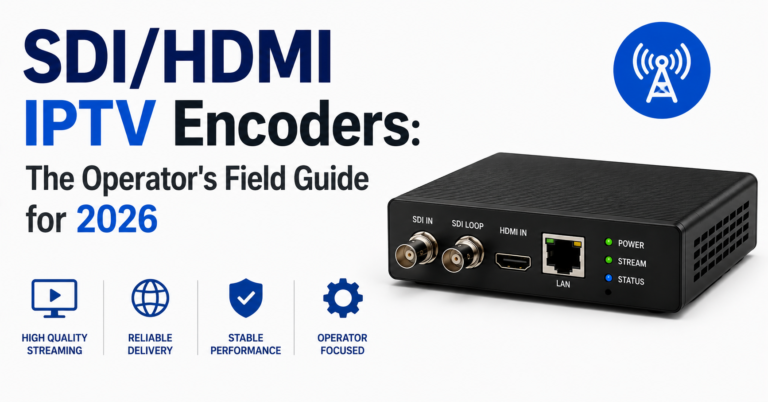
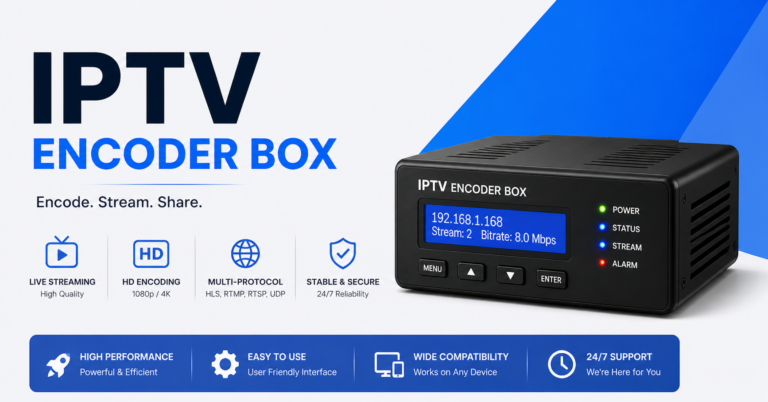
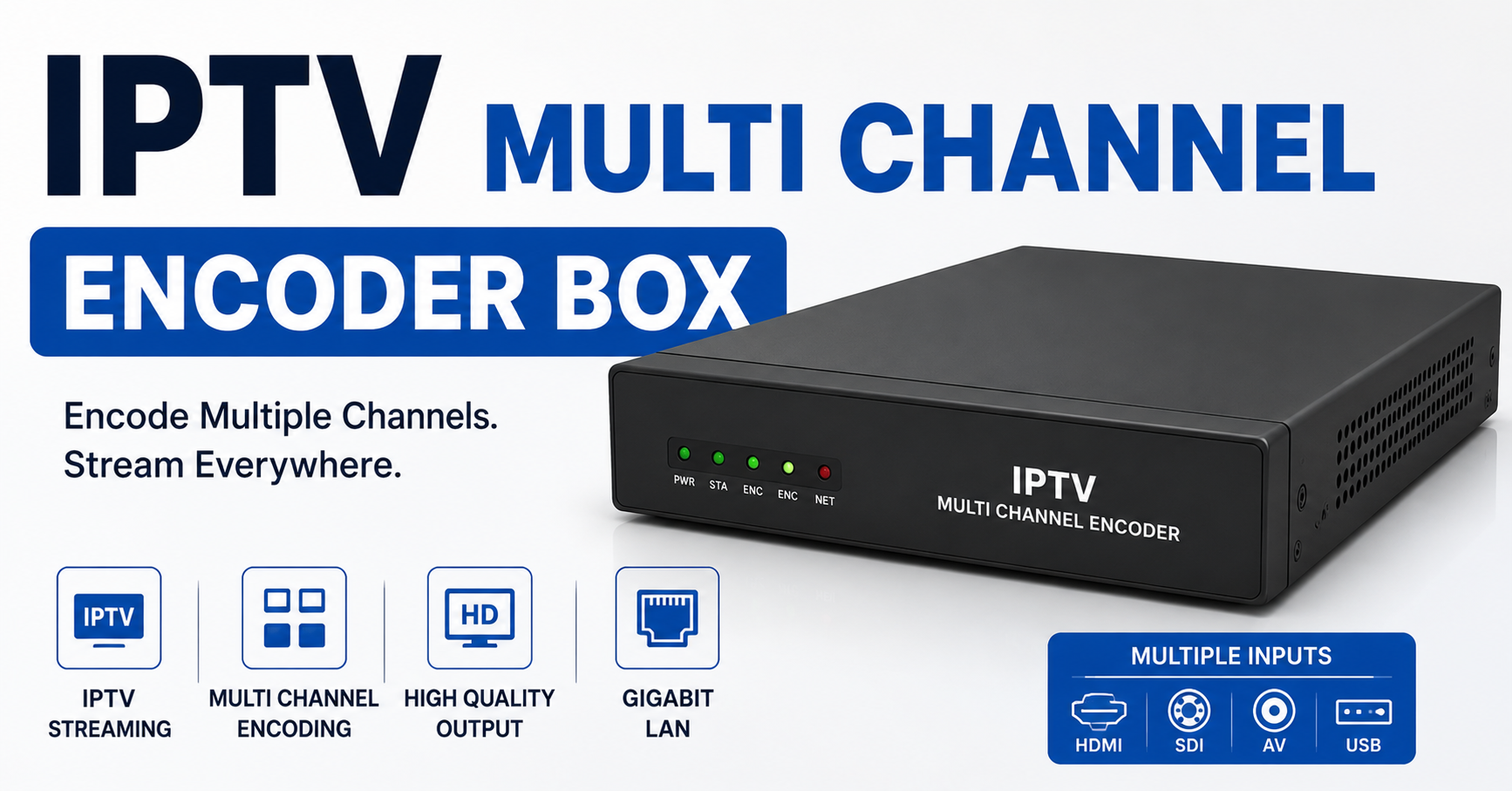
At its most basic, the device receives raw video input across multiple channels simultaneously, compresses it using a codec (H.264 or H.265), and outputs it as a network-deliverable stream. In a professional setup, this output feeds directly into your origin server, which then distributes to your CDN edge nodes before reaching subscribers.
The panel doesn’t know or care what’s upstream. The encoder box does all the heavy lifting before the stream even enters your infrastructure.
Pro Tip: Running H.265 encoding on an older encoder box under heavy load during a live sports event is one of the fastest ways to introduce frame drops and stuttering that your panel monitoring will never flag. The stream shows as active. The viewer sees artefacts. Support tickets spike. You spend two hours checking CDN routes before realising the problem was always at the encoding stage.
How Many Channels Can One Box Handle?
This depends on the hardware tier, and the range is enormous. Entry-level IPTV multi channel encoder box units typically handle 4 to 8 channels. Mid-range professional units go up to 16 or 32 channels. Broadcast-grade rackmount encoder boxes can handle 64+ simultaneous inputs, though at that scale you’re looking at purpose-built infrastructure rather than off-the-shelf hardware.
The mistake we repeatedly see is resellers purchasing based on channel count alone without accounting for bitrate requirements per channel.
A box rated for 16 channels at a combined maximum throughput of 80 Mbps isn’t actually delivering high-quality output across all 16 simultaneously. Something has to give. Either you reduce bitrate per channel, or you drop channels, or you accept quality degradation during peak periods.
| Encoder Tier | Typical Channels | Bitrate Headroom | Suitable For |
|---|---|---|---|
| Entry Level | 4–8 | Limited | Small resellers, testing |
| Mid-Range Pro | 16–32 | Moderate | Regional operators |
| Rackmount Broadcast | 64+ | High | Large-scale infrastructure |
What Codecs Actually Matter Here
The codec debate inside IPTV infrastructure gets oversimplified. H.264 versus H.265 isn’t purely a quality question — it’s an infrastructure planning question.
H.265 delivers better compression at equivalent quality. For an IPTV multi channel encoder box processing HD sports content at 1080p, H.265 can cut your bandwidth consumption by 30–40% compared to H.264. That’s significant at scale.
But there are two problems operators don’t discuss openly.
First, H.265 encoding is computationally heavier. Hardware encoder boxes that handle H.265 efficiently tend to cost more and run hotter. In rack deployments without adequate cooling, thermal throttling during summer months or during extended live events is a genuine risk.
Second, device compatibility on the subscriber side remains inconsistent. Older Android boxes, budget STBs, and certain Smart TV firmware versions still have patchy H.265 decoding support. You can build a clean, efficient H.265 pipeline from your IPTV multi channel encoder box all the way to your CDN edge and then have it fall apart on a £25 Android box running a two-year-old firmware.
Pro Tip: Maintain separate H.264 output profiles on your encoder box for legacy device support. It adds complexity but dramatically reduces subscriber-reported playback issues on budget hardware.
The Transport Protocol Chain Nobody Explains
Most IPTV infrastructure guides talk about HLS delivery to subscribers. What they skip is the chain between your IPTV multi channel encoder box and the origin server.
The encoder doesn’t output HLS natively in most professional setups. It outputs via UDP multicast, RTP, or RTSP — protocols designed for low-latency, high-reliability internal network transport. The transcoding or packaging layer then converts this into HLS or MPEG-DASH for subscriber delivery.
Why does this matter?
Because when resellers troubleshoot latency issues, they often look at their CDN configuration or their HLS segment sizes when the problem is sitting much earlier in the chain. UDP packet loss between the encoder box and the origin server causes visible artefacts and stream interruptions that no amount of CDN tuning will fix.
After reviewing hundreds of support escalations over the years, a disproportionate number of “random buffering” complaints trace back to the internal network segment between encoder and origin — specifically UDP packet loss caused by misconfigured switches, undersized network cards, or simply using a consumer-grade router in what should be a managed network environment.
ISP Interference at the Encoding Stage
This one catches people off guard. Most conversations about ISP throttling in IPTV focus on the subscriber end — ISPs detecting IPTV traffic and shaping it. But interference can also affect your upstream infrastructure if your encoding facility or hosting environment is on a connection where the ISP recognises and deprioritises multicast or RTSP traffic.
We noticed unusual ISP behaviour during a live sports broadcast where RTSP streams between the IPTV multi channel encoder box and the origin server were experiencing periodic packet loss that correlated exactly with peak UK viewing hours. The connection technically had enough bandwidth. The ISP was selectively throttling traffic it identified as streaming infrastructure.
The fix involved tunnelling the transport stream through an encrypted VPN between encoder and origin. Latency increased by 8–12ms — acceptable. Packet loss dropped to baseline. The encoding chain was clean again.
This isn’t something your panel will ever report. It requires active monitoring of the segment between your IPTV multi channel encoder box and origin server, not just end-to-end subscriber testing.
Redundancy Planning for Encoder Infrastructure
Single-point-of-failure encoder setups are common among smaller operators. One IPTV multi channel encoder box handling all live channel encoding. If it goes down, every live channel goes dark simultaneously.
The professional approach is tiered redundancy:
- Primary encoder box at full channel load
- Hot standby encoder box with identical configuration, ready to take over
- Automated failover trigger based on stream health monitoring
- Alert system that notifies the operations team the moment primary encoder output degrades
The challenge is cost. A quality 16-channel IPTV multi channel encoder box isn’t cheap. Running two in hot standby configuration doubles your hardware investment. For smaller operators, a practical middle ground is maintaining a cold standby unit — configured identically but powered down — that can be brought online within 5–10 minutes if primary hardware fails.
One reseller lost approximately 340 subscribers during a Premier League Saturday when their single encoder box overheated and shut down. No standby. No monitoring. Three hours of dark channels. By the time the issue was resolved, the support queue had collapsed and the refund requests had already started.
Pro Tip: Test your standby encoder box monthly. “Set it and forget it” standby hardware frequently reveals firmware drift, configuration mismatches, or hardware degradation the moment you actually need it.
Choosing the Right IPTV Multi Channel Encoder Box for UK Operations
The UK market has specific considerations that generic hardware guides don’t address.
First, DVB-T2 and DVB-S2 input support matters if you’re encoding from UK terrestrial or satellite broadcast feeds. Not every IPTV multi channel encoder box supports these input formats natively. Check before purchasing, not after.
Second, the power supply rating and rack compatibility need to match your hosting environment. UK data centres run on 230V infrastructure. Ensure your encoder box is rated appropriately and that your rack has adequate power distribution and cooling airflow.
Third, consider the support and warranty situation. Some encoder hardware is manufactured by brands with no UK or EU presence. When a unit fails outside warranty, getting replacement parts or technical support means dealing with overseas suppliers and extended downtime.
Reputable UK-facing IPTV infrastructure resources like britishseller.co.uk have become reference points for operators navigating hardware selection within this market, partly because they reflect real operational experience rather than generic product listings.
What Happens During Major Sports Events
Live sports is the stress test for any IPTV multi channel encoder box. It’s not just the load — it’s the nature of the content.
Fast-motion sports footage (football, boxing, motorsport) is inherently harder to compress efficiently than static or slow-moving content. The encoder’s motion estimation algorithms work significantly harder. Bitrate spikes. Thermal load increases. In encoder boxes without adequate dynamic bitrate management, quality degrades during the most demanding moments — exactly when subscribers are watching.
During a major sports event, we observed a mid-range encoder box producing acceptable output for the first 45 minutes before thermal throttling caused the encoding bitrate to drop from the configured 6 Mbps to approximately 3.2 Mbps without any alert being generated. The subscribers watching a football match experienced the entire second half at half the intended quality. No one at the operations level knew until the support tickets arrived at full time.
Monitoring the Encoder Layer
Most IPTV operations have monitoring at the CDN level and subscriber delivery level. Very few have monitoring at the encoder box itself.
A proper encoder monitoring setup should capture:
- Per-channel output bitrate (not just aggregate)
- Encoding CPU and temperature
- Input signal status per channel
- Packet loss on the transport output
- Automatic alerts on bitrate deviation beyond threshold
Several professional IPTV multi channel encoder box manufacturers include SNMP support or a web-based API that allows integration with monitoring platforms. If your current encoder hardware doesn’t support this, it’s a meaningful operational risk — especially at scale.
The Hidden Cost Calculation
When operators compare IPTV multi channel encoder box pricing, the purchase price is only one figure in the actual cost equation.
The real calculation includes:
- Power consumption over 12 months (rack hardware runs 24/7)
- Cooling requirements and associated data centre costs
- Replacement part availability and lead times
- Support contract or warranty coverage
- Staff time required for configuration and maintenance
- Downtime cost per hour based on subscriber base size
A cheaper encoder box that requires manual restart twice per month, costs more in power, and has a 6-week replacement part lead time from overseas is not a cheaper encoder box in practice. This is a mistake we repeatedly see operators make, especially during initial infrastructure builds when hardware budget pressure is highest.
FAQ
Q1: What is an IPTV multi channel encoder box and do I need one as a reseller?
An IPTV multi channel encoder box converts live video inputs — from satellite, terrestrial, HDMI, or SDI sources — into network-deliverable streams for IPTV distribution. If you’re reselling streams sourced from an upstream provider, you typically don’t need your own encoder. If you’re building your own channel lineup from broadcast sources, an encoder box becomes essential infrastructure.
Q2: How many channels can a single IPTV multi channel encoder box handle?
Entry-level units handle 4–8 channels. Mid-range professional hardware supports 16–32 channels simultaneously. Broadcast-grade rackmount units go beyond 64 channels. The critical factor isn’t just channel count but combined output bitrate headroom, which determines real-world quality at full load.
Q3: What’s the difference between H.264 and H.265 on an encoder box?
H.265 delivers comparable quality at roughly 40% lower bitrate than H.264, reducing bandwidth costs at scale. However, H.265 is computationally heavier, generates more heat, and has inconsistent decoding support on older subscriber devices. Most professional operators run H.264 as default with H.265 available as an optional output profile.
Q4: Can ISP throttling affect my encoder box infrastructure?
Yes. ISPs can throttle or shape RTSP and UDP multicast traffic between your encoder and origin server, not just at the subscriber end. If you notice periodic stream degradation that correlates with peak hours but isn’t explained by CDN load, investigate the transport layer between encoder and origin.
Q5: What redundancy should a reseller have for encoder hardware?
At minimum, a cold standby IPTV multi channel encoder box configured identically to the primary unit, stored in the same rack or facility. For operations with more than 5,000 active subscribers, hot standby with automated failover is strongly recommended. Single-encoder setups are an operational liability.
Q6: Which input formats should I look for in a UK-focused encoder box?
For UK operations encoding from broadcast sources, ensure the IPTV multi channel encoder box supports DVB-T2 (Freeview) and DVB-S2 (Sky/Freesat) input standards. HDMI and SDI inputs cover external signal sources. Check these specifications before purchasing — they’re not universal across hardware tiers.
Q7: How do I monitor encoder box performance in a live environment?
Look for encoder hardware with SNMP support or a web API. Monitor per-channel output bitrate, CPU load, thermal status, input signal health, and transport packet loss. Integrate alerts so your team is notified of degradation before subscribers start reporting issues.
Q8: What causes frame drops during live sports on an encoder box?
Fast-motion content creates high compression demand. Thermal throttling under sustained load, undersized bitrate allocation, and motion estimation limitations in lower-tier hardware are the primary causes. During live events, monitor encoder temperature and per-channel bitrate in real time rather than relying on aggregate stream health indicators.
Execution Checklist
For Subscribers
- If your IPTV buffers only during live sport, the problem may be encoding-side, not your internet connection
- Check whether your device supports H.265 before blaming your subscription
- Report buffering with a timestamp — it helps operators isolate whether the issue is channel-specific or network-wide
For Resellers
- Audit the encoder hardware your upstream provider is using — ask directly, and if they won’t answer, that tells you something
- Do not purchase an IPTV multi channel encoder box based on channel count alone — calculate bitrate headroom at full load
- Implement per-channel bitrate monitoring, not just aggregate stream health
- Maintain a cold standby encoder unit configured identically to your primary
- Test standby hardware monthly, not annually
- Ensure DVB-T2 and DVB-S2 input compatibility before purchasing for UK broadcast sources
- Budget for the full cost of ownership, not just the purchase price
For Sub-Resellers
- Understand whether your panel provider owns encoder infrastructure or is reselling from a third party
- Ask about redundancy arrangements before committing to long-term credit purchases
- During live sports events, have a direct escalation contact at your upstream provider — not just a ticket system